Is there any benefit to restarting your gaming handheld regularly?
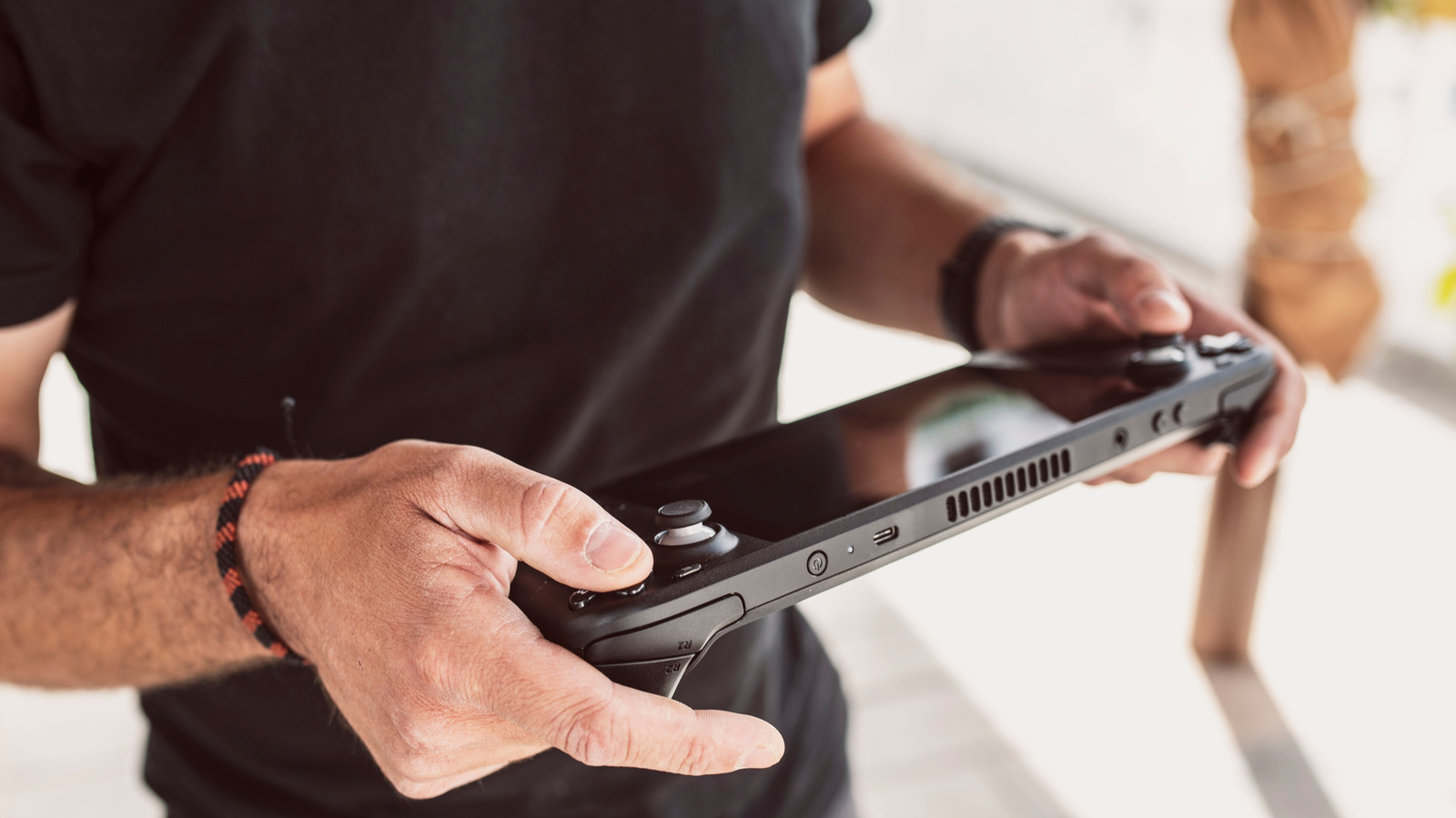
The advice to simply restart a device when something goes wrong applies just as much to gaming handhelds like the Steam Deck and ROG Ally as it does to regular PCs, since both run full operating systems (SteamOS or Windows) under the hood. Restarting regularly can resolve a range of common problems, including game crashes, frame drops, lag and audio glitches, and is even listed as a first troubleshooting step on Valve's official Steam Deck support page.
Regular restarts clear the device's RAM, preventing memory leaks and background clutter that build up over time and gradually slow performance. They also ensure system and software updates, such as bug fixes and security patches, are properly applied, and can pre-empt glitches before they cause freezes or crashes. Powering off has the same benefits as restarting, while hibernating simply saves the current session without clearing memory. There's no official rule on frequency, but restarting every few days, or at least once a week, is a reasonable guideline.
- Restarting gaming handhelds fixes crashes, lag and audio issues, like on PCs
- It clears RAM leaks and helps updates apply properly
- Aim to restart roughly once a week, not constantly