Technology news and discussion on TalkFuse.
Is your router overheating? Here’s how to keep it cool and working safely
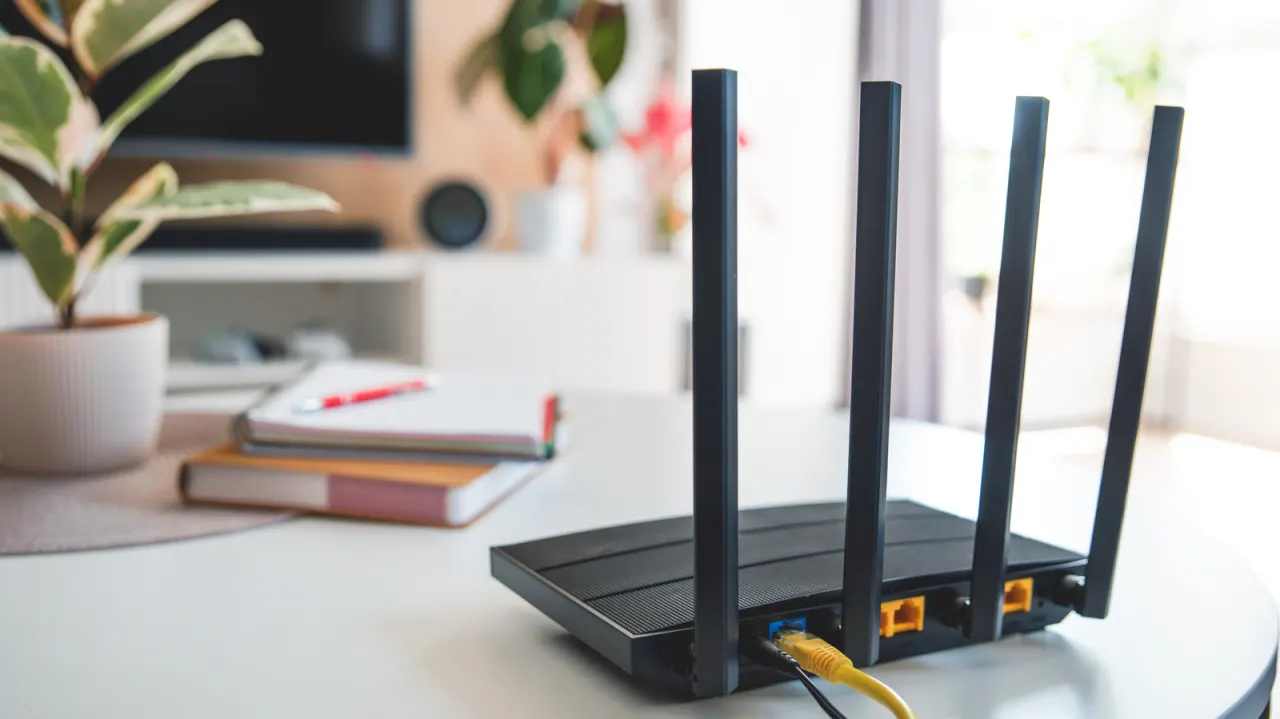
Home routers produce heat during normal operation, but excessive heat can cause unreliable Wi-Fi, shutdowns and damage to internal components. Identifying and addressing the cause can help restore performance and extend the router’s life.
Poor ventilation, dust-clogged vents, direct sunlight, nearby heat-producing devices and a faulty or unsuitable power adapter can all contribute. Try moving the router to an open, shaded spot, cleaning its vents and updating its firmware; use an adapter rated for the device. If it still overheats, the router itself may be failing and need replacing.
In short
- Warm routers are normal; uncomfortable heat can signal a problem.
- Improve airflow, clear dust and update the firmware.
- Check the power adapter; replace the router if overheating continues.
Explained simply
A router connects devices in a home to the internet and sends data between them, often using Wi-Fi. It needs electrical power to do this, so it normally gives off some heat while running.
The router’s vents let heat escape, and its power adapter supplies the electricity it needs. If heat builds up or the adapter is unsuitable, the router may work less reliably or its components may be damaged; a faulty router may eventually need replacing.