Entertainment news and discussion on TalkFuse.
NVIDIA DLSS 4.5 has presets you should know about
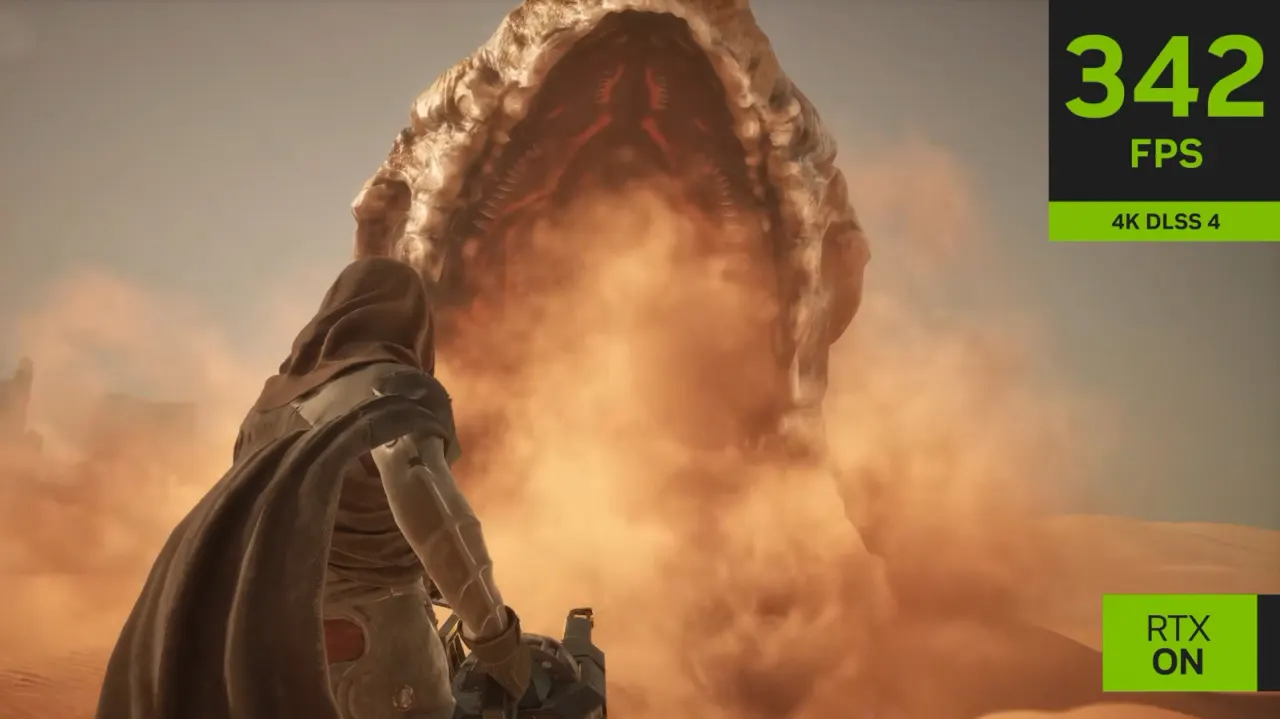
NVIDIA DLSS 4.5 offers K, L and M presets that let PC gamers balance image quality and performance according to their hardware. Choosing a suitable preset can help demanding games run more smoothly, particularly with ray tracing enabled.
Preset K prioritises image quality and is aimed at high-end systems, while M is suited to mid-range PCs such as those with an RTX 4070, upscaling from 1080p. Preset L targets older RTX 20 and 30 Series cards, including when upscaling from 720p to play at 1440p or 4K, though it can show more ghosting during fast movement. The NVIDIA app also lets users adjust super-resolution modes: DLAA renders at full resolution and is demanding, while Quality and Balanced use lower input resolutions.
In short
- K favours image quality on high-end PCs.
- M suits mid-range systems, including RTX 4070 cards.
- L offers older RTX cards more performance headroom.
Explained simply
DLSS is NVIDIA’s technology for rendering a game at a lower resolution and using AI to produce an image at a higher one. This can reduce the work a graphics card has to do, helping games run more smoothly, though the result depends on the game and settings.
The K, L and M presets adjust how DLSS processes the image, balancing visual detail and performance for different systems. NVIDIA’s RTX 20, 30 and 40 Series cards are generations of graphics cards; the best fit can vary with the card, the game and the resolution. Super-resolution modes such as Quality and Balanced also affect the resolution used before upscaling, while DLAA renders at full resolution for image quality with a greater performance cost.