Pros and cons of using a Chromebook as your everyday PC
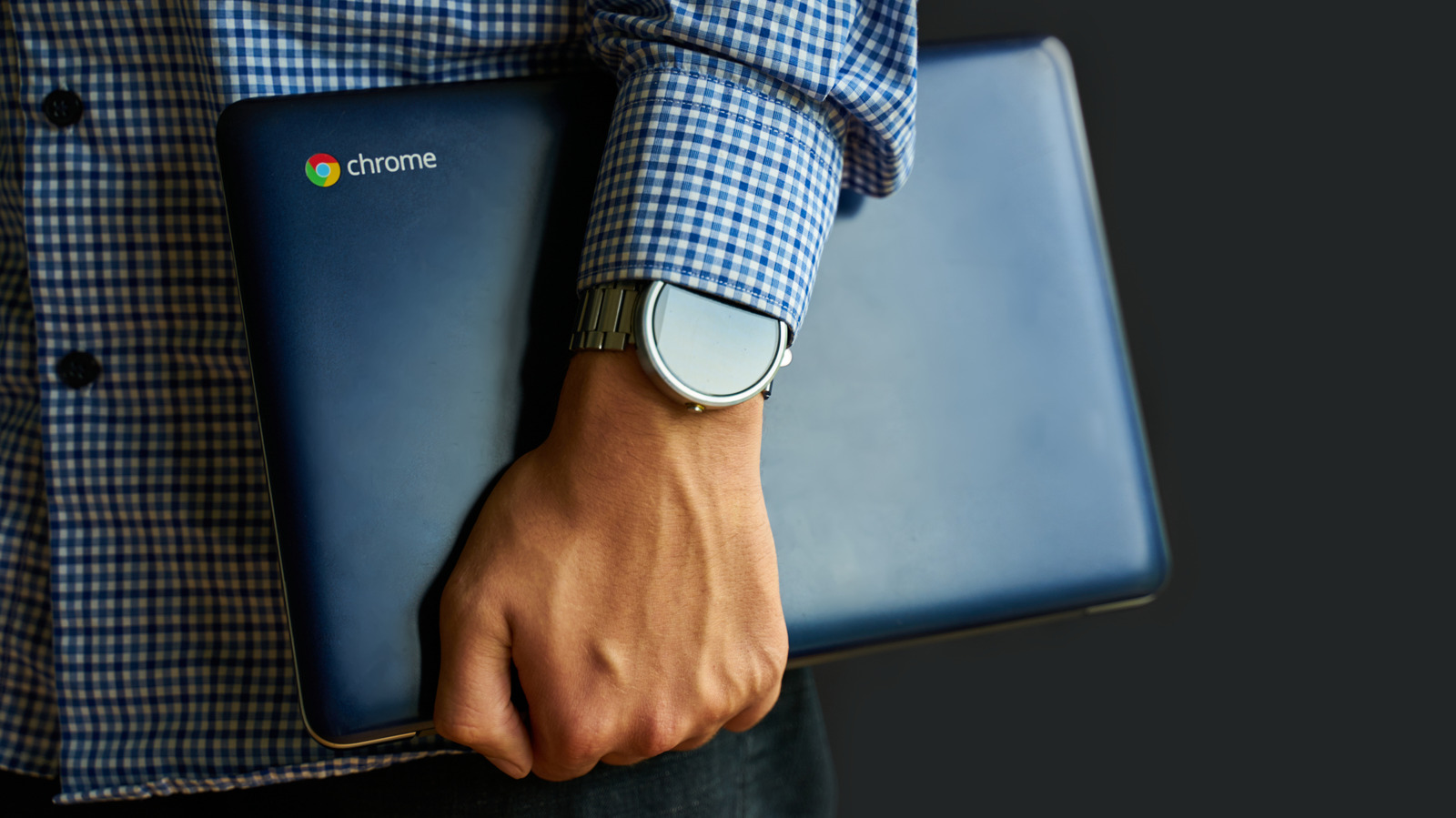
Chromebooks remain a viable alternative to Windows or Mac laptops for people who want a lightweight, secure, low-maintenance machine, particularly if their work centres on web-based tools like email and spreadsheets. Their appeal lies in simplicity: ChromeOS is built on the familiar Chrome browser interface, requires little learning, boots in seconds, and benefits from strong built-in security through read-only system files, verified boot and sandboxing. However, this streamlined design brings trade-offs that anyone considering switching should weigh carefully.
Chromebooks are typically lighter and more durable than standard laptops, often offering over 10 hours of battery life, and are considerably cheaper, with many models priced far below the roughly $700 higher-end range, such as Engadget's recommended Acer Chromebook Plus 514 at around $400. Offline functionality has improved significantly since the line launched in 2011, with Google Workspace apps, Gmail, Netflix and YouTube now supporting offline use, though the devices remain fundamentally cloud-dependent. Key limitations persist, including gaming being largely restricted to streaming services like Nvidia GeForce Now and Xbox Cloud Gaming, and broader software incompatibility, with programs such as Steam, Adobe Creative Cloud and certain enterprise tools unable to run natively on ChromeOS.
- Chromebooks suit users wanting lightweight, secure, web-focused everyday computers.
- Strengths: battery life, security, low prices, improved offline support since 2011.
- Weaknesses: cloud dependency, limited gaming, and software incompatibility with tools like Adobe.