QHD, WQHD, 4K, and 5K resolution: What do they mean and which is best for you?
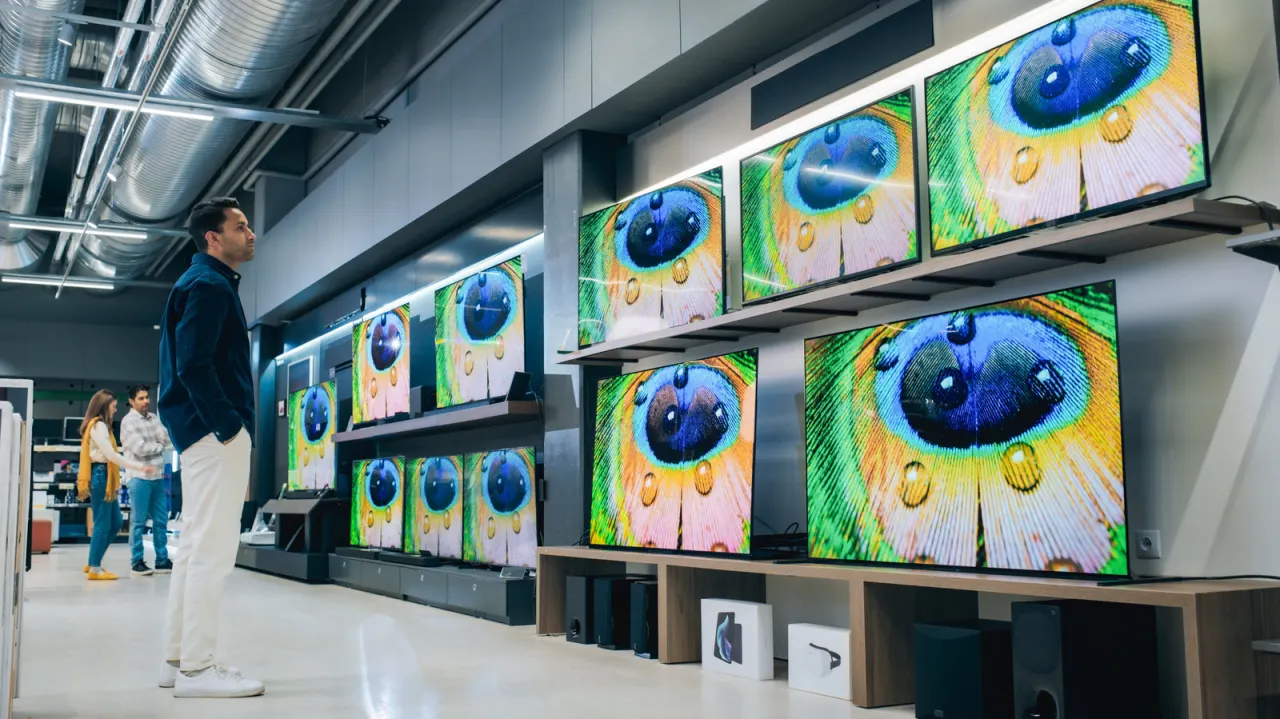
Display resolution terminology such as QHD, WQHD, 4K and 5K can be confusing for shoppers, as manufacturers use overlapping acronyms that often refer to slightly different pixel counts depending on the device or industry. Understanding these terms helps consumers judge whether a higher-resolution display is worth the cost, given trade-offs such as battery drain on smartphones or the graphics power needed for gaming.
QHD and WQHD both describe a resolution of 2,560 x 1,440 pixels, also known as 1440p or 2K, with WQHD typically marketed for 16:9 widescreen devices; ultrawide 21:9 versions are called UWQHD (3,440 x 1,440). Consumer 4K televisions and Blu-rays use UHD 4K (3,840 x 2,160), which differs slightly from the true cinema standard, DCI 4K (4,096 x 2,160), used in professional and theatrical settings. 5K, mentioned briefly at the article's cut-off point, is generally reserved for creative-focused monitors, with two standard variants noted but not detailed.
- QHD and WQHD both mean 2,560 x 1,440 (1440p/2K) resolution
- Home "4K" (3,840 x 2,160) differs from true cinema DCI 4K (4,096 x 2,160)
- 5K resolutions are mainly used in creative-focused monitors
New here? Start with this
A display’s resolution is the number of pixels used to make up its picture: more pixels can show finer detail, especially on a large screen. QHD and WQHD usually mean 2,560 by 1,440 pixels; 4K often means 3,840 by 2,160 on TVs and home video, while cinema screens use a slightly wider version.
These labels are used by device makers and the film industry, and the same shorthand can refer to different formats. Ultrawide monitors, for example, have a wider shape and a different pixel count from standard widescreen displays.
Choosing a resolution depends on the screen and how it will be used. Higher resolution can bring sharper images, but may cost more and use more battery on a phone or require a more powerful graphics card for gaming.
Both sides, in good faith
The strongest fair case each way — we don't pick a winner.
The case for
Higher-resolution displays can make text and images sharper and provide more workspace, which may matter to people who edit creative work, watch detailed video or value crisp visuals. Knowing the resolution labels helps shoppers choose a screen that fits those needs and decide whether the improvement is worth paying for.
The case against
More pixels do not benefit every user enough to justify the added cost: on phones they can use more battery, and in gaming they can demand more graphics power. Since resolution labels overlap and the visible difference depends on screen size, viewing distance and use, buyers may be better served by prioritising other features or a less demanding display.