Culture news and discussion on TalkFuse.
Samsung Gallery now syncs with Google to back up your photos
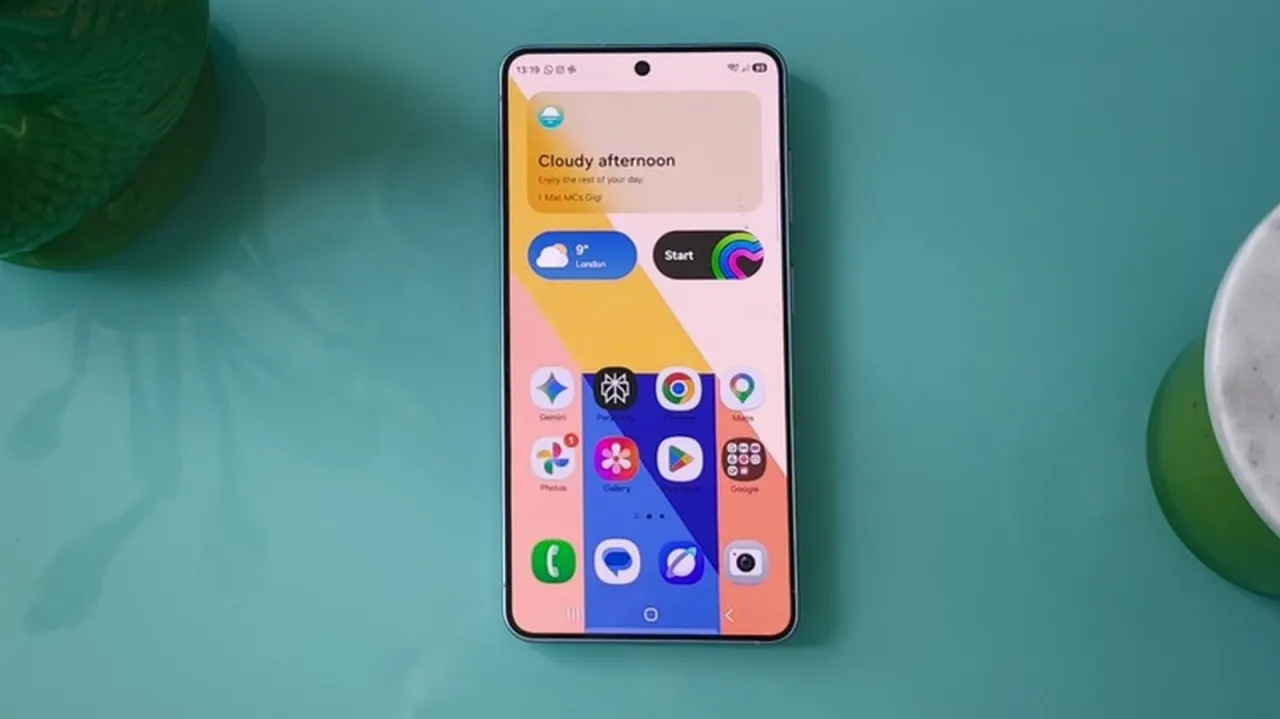
Samsung has added Google account syncing to its Gallery app, allowing users to back up photos and videos without relying on Google Photos. The change follows the end of Gallery’s OneDrive integration in September and gives Galaxy users another way to keep media backed up.
The feature is currently limited to select Galaxy devices running One UI 9, with a phased expansion planned. Users can enable sync in Gallery settings, view previews on another synced Galaxy device and download originals when needed; a new “Free up space” option removes local originals while retaining thumbnails. Synced files use Google account storage, which starts at 5GB free; paid Google One plans offer 100GB for $2 a month or 200GB for $3.
In short
- Samsung Gallery can now sync photos and videos with Google accounts.
- The feature is initially limited to select One UI 9 devices.
- Google storage limits and paid plans apply.
Explained simply
Samsung Gallery is the built-in app on Galaxy phones and tablets for viewing and organising photos and videos. Cloud backup stores copies online, so they can be recovered if a device is lost or replaced.
Samsung phones have also offered links to other companies’ cloud services. Microsoft’s OneDrive link in Gallery ended in September, while Google’s separate Photos app has long provided photo backup; the new option lets Gallery users sync through a Google account instead.
The sync is limited for now to some Galaxy devices running One UI 9, Samsung’s phone and tablet software, with wider availability planned. Backed-up files use Google account storage, which is shared with other Google services and has a free 5GB allowance.