Stop getting bad YouTube recommendations with 4 simple steps
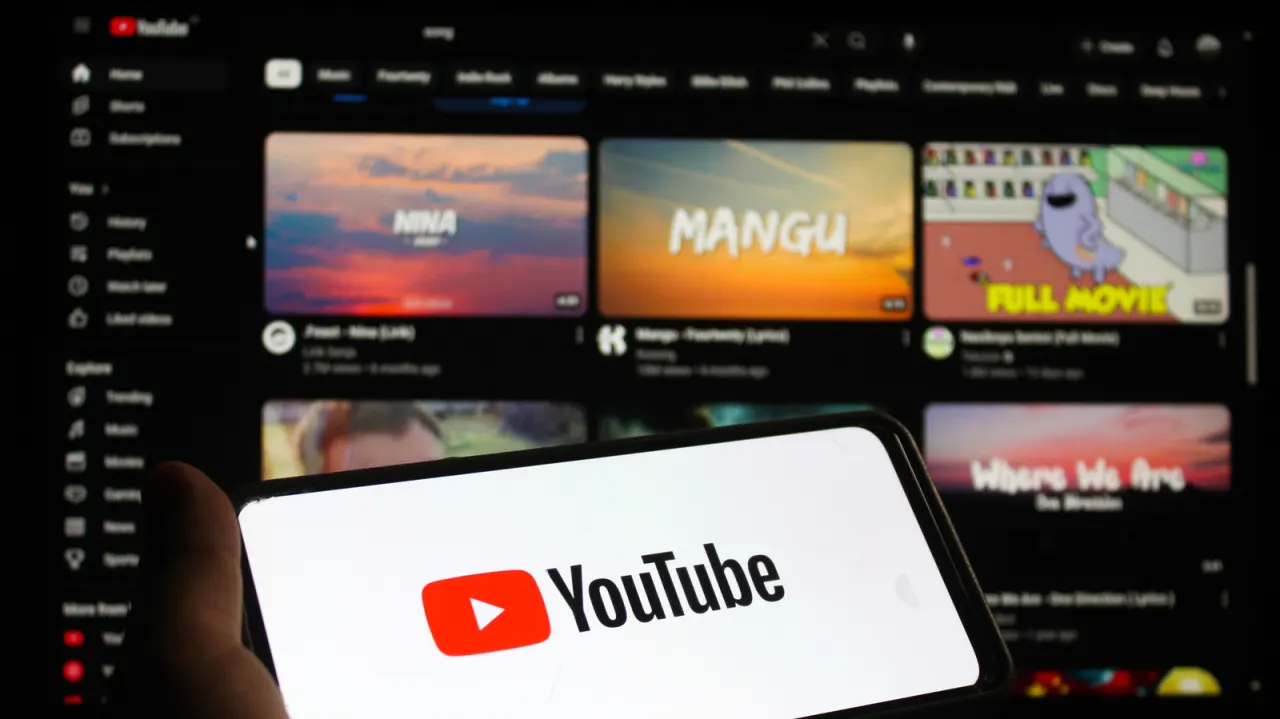
YouTube's recommendations rely on an algorithm that reads signals from your viewing habits, but it can easily go astray, filling your homepage, sidebar and end-of-video suggestions with irrelevant content. This happens when the system is misreading your interests or lacks enough data to work from, and Engadget outlines several practical adjustments users can make to retrain it and get more relevant suggestions.
The advice centres on four areas: ensuring watch history tracking is switched on via Google Account privacy settings (since it can otherwise leave YouTube's homepage blank); actively sending positive signals such as liking, subscribing, commenting and completing videos; giving negative feedback through the "Dislike," "Not interested" and "Don't recommend channel" options; and preventing other people, such as children using a shared device, from skewing your data by setting up separate profiles or locking your account. Engadget notes it can take time for these changes to filter through, and unwanted recommendations may occasionally resurface before the algorithm properly adjusts.
- YouTube recommendations can be retrained with a few setting changes.
- Enable watch history and use like/dislike signals actively.
- Use separate profiles or account locks to stop others skewing suggestions.
New here? Start with this
YouTube uses an automated system to choose videos for its homepage and suggestions. It looks at activity such as what you watch, like or skip to estimate what you might want to see.
Those suggestions can become less relevant if your viewing habits change, the system has too little information, or several people use the same account. YouTube also lets users give feedback on recommendations, and separate profiles can help keep different people’s viewing activity apart.
Recommendations can take time to respond to changes in viewing activity and feedback. They may still include videos that do not match a user’s interests.