Technology news and discussion on TalkFuse.
USB-C docks turn thin laptops into flexible desktop setups
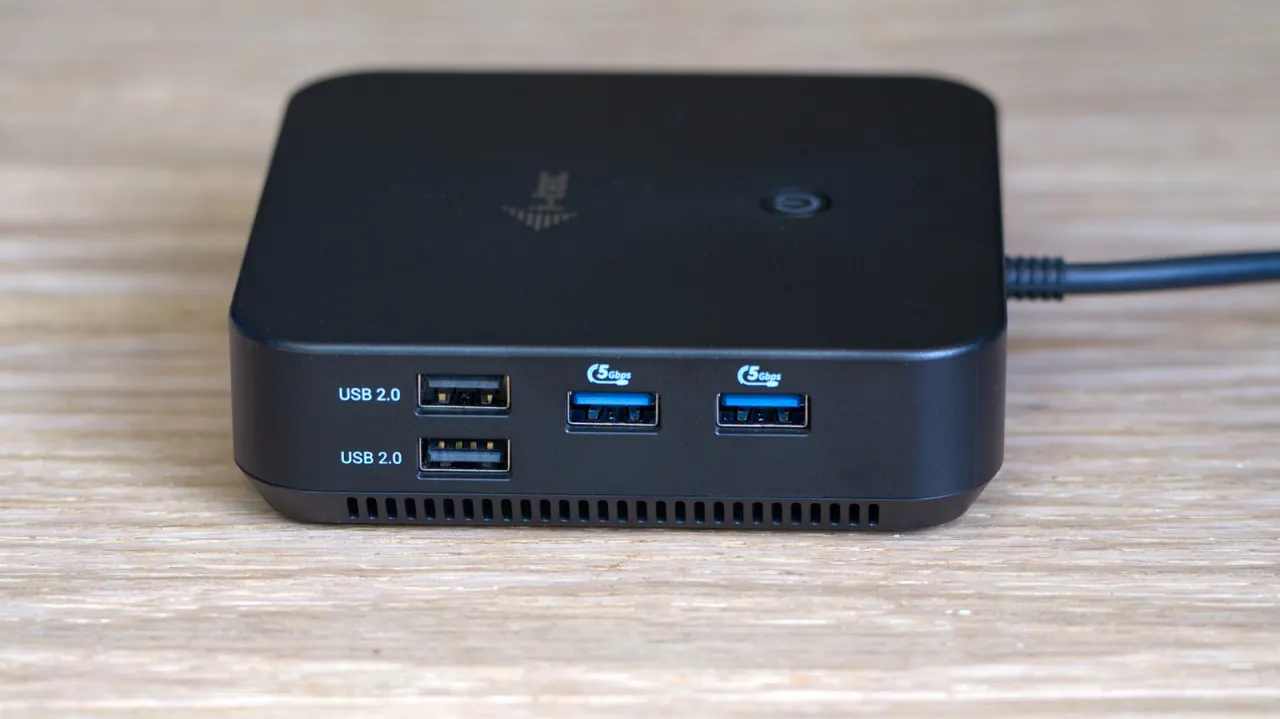
USB-C docking stations let people use a thin laptop as a desktop computer by connecting it to peripherals through one cable. They can reduce desk clutter, provide ports the laptop lacks and limit wear from repeatedly plugging cables into the laptop.
Depending on the model, a dock may add monitor outputs, USB ports, an SD card reader and wired Ethernet; some Thunderbolt 4 and USB4 docks also support multiple displays, audio and laptop charging. Basic USB-C hubs typically have four to 10 ports and cost $30 to $150, while docks have more connections, usually use a separate power adapter and can exceed $400. Buyers should check that their laptop supports video over USB-C and that the dock supplies enough charging power.
In short
- A dock connects laptop peripherals through one cable.
- It can add ports and reduce cable clutter.
- Check video and charging compatibility before buying.
Explained simply
USB-C is a type of connection used by many modern laptops. A docking station connects to the laptop through one cable and provides sockets for equipment such as monitors, keyboards, storage devices and network cables.
Smaller hubs usually add a handful of ports, while larger docks may support several screens and charge the laptop. What a dock can do depends on both its features and the laptop: not every USB-C port carries video, and charging power varies between models.
These devices can make a laptop easier to use at a desk while keeping cables connected to the dock instead of repeatedly plugging them into the computer. The choice matters most for people who want a compact laptop to work with the equipment of a desktop setup.
Read the full article at the source →
Originally published by Engadget as “The advantages of using a USB-C docking station”.