The CarPlay settings you may want to change after setting it up
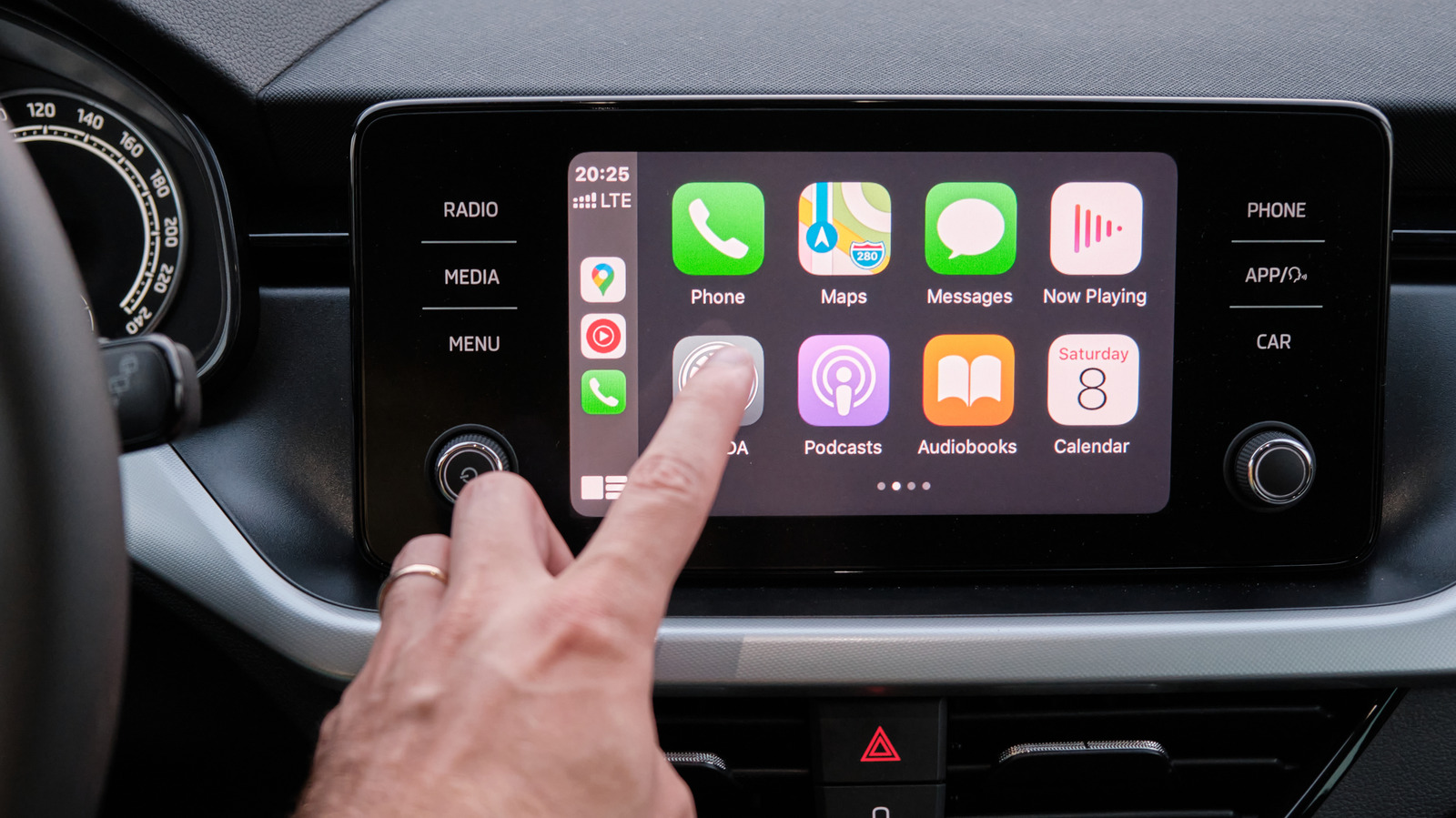
Setting up Apple CarPlay is quick and simple, but the article outlines a number of built-in settings users can adjust to improve their experience beyond the default configuration. These options let drivers personalise the interface, reduce distractions and access hands-free controls, which can make CarPlay both more comfortable to use and safer while driving.
Key adjustments include changing the wallpaper and appearance theme, resizing or bolding text, and rearranging or adding apps and widgets via the iPhone's CarPlay settings. Drivers can also enable a "Driving" Focus mode to silence notifications with optional auto-replies, turn on Siri announcements for incoming alerts, and, from iOS 26, toggle "Smart Display Zoom" to fit more information on larger car screens. Additional accessibility features include Voice Control, which allows basic hands-free commands without invoking Siri, and Sound Recognition, which alerts drivers to car horns, sirens or crying babies.
- CarPlay's default setup can be customised for a better experience
- Options include Driving Focus, Voice Control and Smart Display Zoom
- Accessibility features like Sound Recognition boost safety and convenience