Technology news and discussion on TalkFuse.
The easiest way to set up CarPlay for the first time
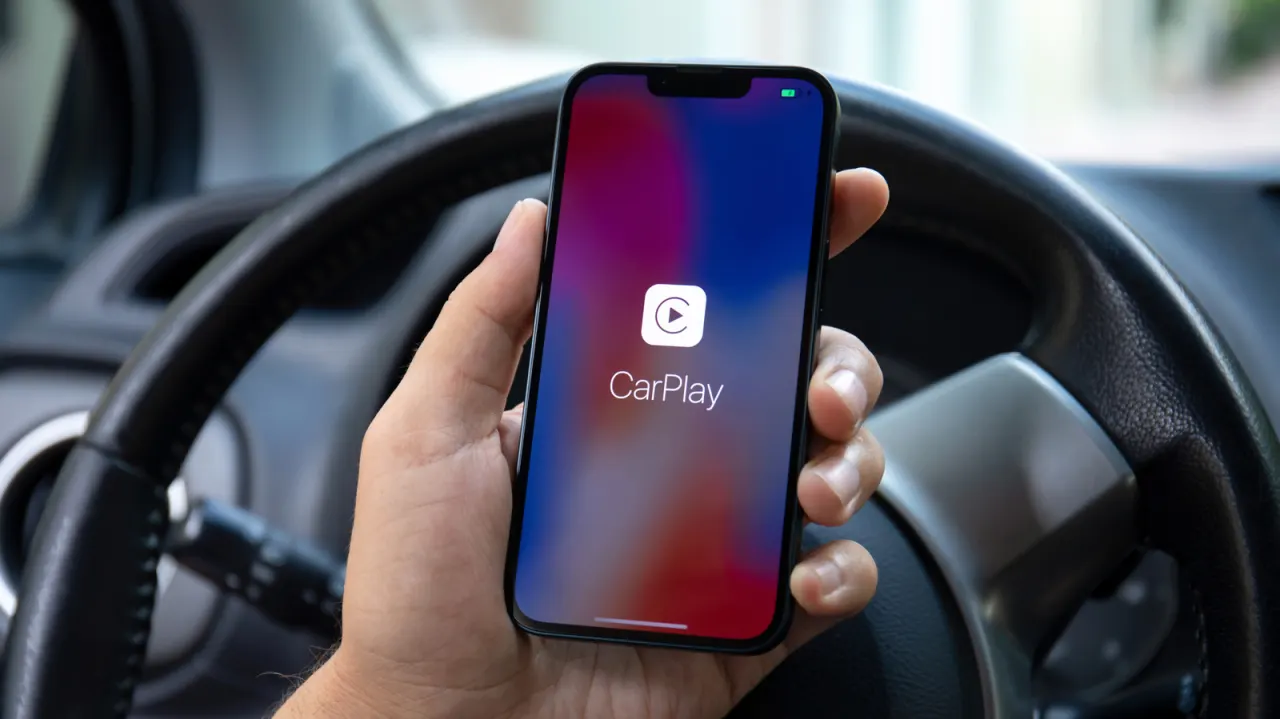
Apple CarPlay works with more than 800 vehicle models, and pairing an iPhone for the first time usually takes about a minute. Drivers can connect by cable or wirelessly, with the method depending on their car; the feature gives access to the same functions either way.
For wired setup, plug the iPhone into the car’s USB port and approve the connection. Wireless pairing involves putting the car into pairing mode, connecting to its network through the iPhone’s Wi-Fi settings, then selecting the car under General > CarPlay. If connection fails, check the cable, ports, Wi-Fi and Bluetooth, restrictions and pairing settings, or restart the phone and dashboard.
In short
- CarPlay supports more than 800 vehicle models.
- Wired setup is usually as simple as plugging in an iPhone.
- Check connection settings and compatibility if pairing fails.
Explained simply
Apple CarPlay lets an iPhone connect to a car’s built-in display and controls, so drivers can use supported phone features through the vehicle. It is available in more than 800 vehicle models, though the connection options vary by car.
Some cars connect to an iPhone with a USB cable, while others support a wireless connection using Bluetooth and Wi-Fi. The driver’s iPhone and car need to be compatible, and the car’s settings determine which pairing method is available.
Once connected, CarPlay provides access to the same supported functions whether the link is wired or wireless. Knowing how the connection works can help drivers choose the right setup and identify common connection problems.