Sport news and discussion on TalkFuse.
Black USB-A ports usually indicate USB 2.0, but colour is no guarantee
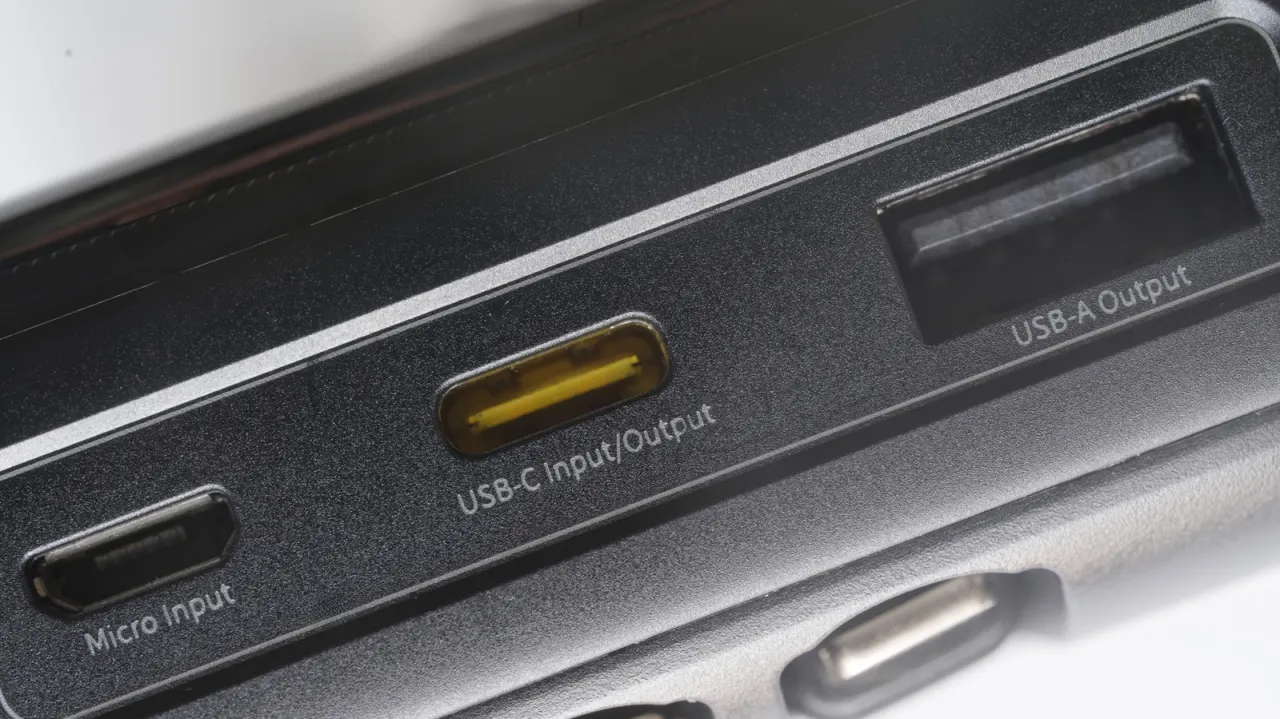
Black USB-A ports usually indicate USB 2.0, which supports data speeds up to 480 Mbps. This convention can help explain what a port is suited for, but it is not an industry standard, so colour alone cannot reliably identify a port’s capabilities.
USB 2.0 is generally suitable for accessories such as keyboards, mice and headsets, while large file transfers or some power-hungry drives may be slow or unreliable. White ports commonly indicate USB 1.x, with speeds up to 12 Mbps, but manufacturers may use colours differently; checking the device manual or manufacturer’s website is the surest way to identify a port. USB-A colour conventions do not apply to USB-C.
In short
- Black USB-A ports usually mean USB 2.0, but colour is not a guarantee.
- USB 2.0 handles everyday accessories but can be slow for large transfers.
- Check the manufacturer’s documentation to confirm port capabilities.
Explained simply
USB-A is the familiar rectangular connector found on many computers and accessories. USB 2.0 is an older version of the connection standard, with a maximum data speed of 480 megabits per second; earlier USB 1.x versions are slower.
A USB 2.0 port can usually handle everyday accessories such as a keyboard, mouse or headset. It may take longer to transfer large files, and some drives that need more power may not work reliably.
Port colours are conventions chosen by manufacturers, rather than a reliable standard, so a black or white insert cannot confirm a port’s speed or power. The device manual or manufacturer’s website can give the specific details, and USB-A colour conventions do not identify USB-C ports.
Read the full article at the source →
Originally published by Engadget as “The reason why some USB ports are black”.