Technology news and discussion on TalkFuse.
Other phone settings can dim screens despite auto-brightness being off
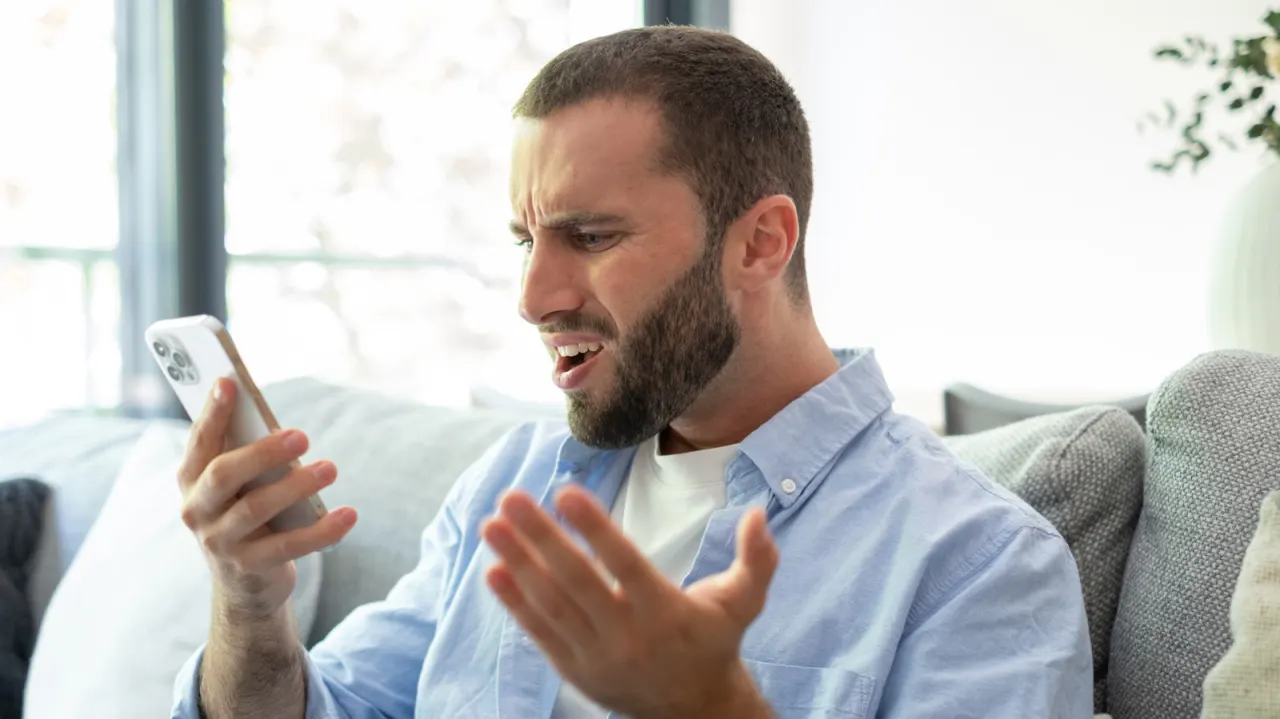
Phone screens can dim even with auto-brightness switched off because other features may reduce brightness to manage heat, save battery or respond to whether someone is looking at the display. The article outlines checks for both iPhones and Android devices that may help identify the cause.
On iPhones, heat from demanding apps, wireless charging or the surrounding environment can trigger dimming; power-saving settings, a short screen timeout and Attention Aware Features are other possible causes. A dirty or obstructed proximity sensor may also affect the display, while Always-On Display intentionally dims the Lock Screen on supported models. Android phones can have similar causes, though the relevant settings and feature names vary by manufacturer.
In short
- Heat can make a phone lower screen brightness.
- Power-saving settings and screen timeout may be responsible.
- Check attention, proximity sensor and Always-On Display features.
Read the full article at the source →
Originally published by Engadget as “The reason your phone keeps dimming even with auto-brightness off”.