The upside of a laptop having two charging ports (and why some don’t)
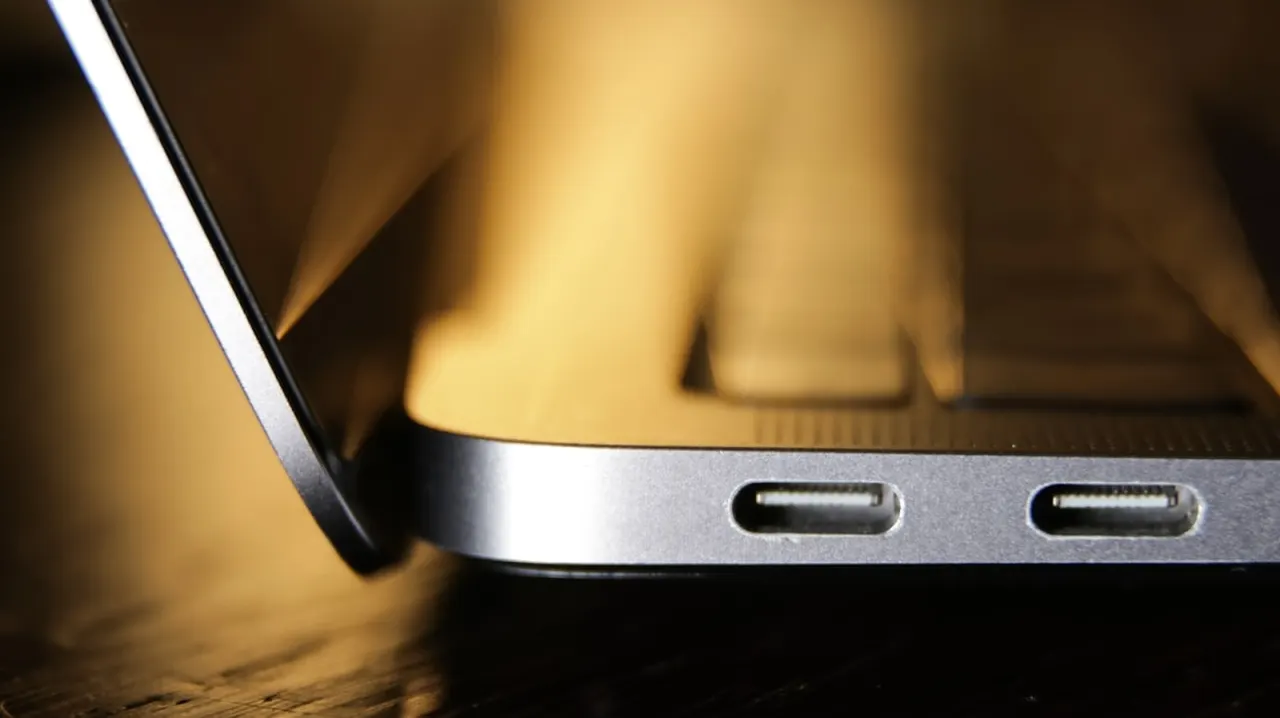
An Engadget writer makes the case that a second USB-C charging port on laptops is a genuinely useful feature rather than a minor spec detail, since it allows a device to be charged while a monitor or other peripheral occupies the other port. The piece argues that manufacturers often omit the second port to save on costs from extra Power Delivery controllers and circuit board space, leaving many users with the inconvenience of choosing between charging and connecting accessories, particularly if their laptop has poor battery life.
The author illustrates the problem through personal experience of needing extra cables and adapters to power a portable monitor while working remotely, and notes that dual ports also offer more flexible charger placement depending on where an outlet is located. Several current laptops already offer two or more USB-C/Thunderbolt ports, including Apple's MacBook Air and Pro, Dell's XPS range, Lenovo's ThinkPad X1 and Yoga lines, and Asus's Zenbook and ROG models. The article also cautions that not all USB-C ports support video output, so buyers should check for DisplayPort Alt Mode or Thunderbolt/USB4 support, or otherwise use a USB-C hub as a workaround.
- Dual USB-C ports let you charge and use peripherals simultaneously.
- Single-port laptops force awkward cable/adapter workarounds for monitors.
- Many premium laptops (Apple, Dell, Lenovo, Asus) now offer multiple USB-C ports.
New here? Start with this
USB-C is a widely used connection for charging laptops and linking them to accessories such as monitors, storage drives and docks. Some laptops have several USB-C ports, while others have only one or have ports with different capabilities.
When a laptop has just one suitable port, using it for a monitor or another accessory can leave no port free for charging. A hub can add connections, but which devices and features work depends on the laptop’s ports and the hub.
Manufacturers balance features against cost and the space available inside a laptop. Apple, Dell, Lenovo and Asus include multiple USB-C ports on some models, but buyers need to check what each port supports, since a USB-C socket does not always carry video.