How to spot when your iPhone battery needs replacing
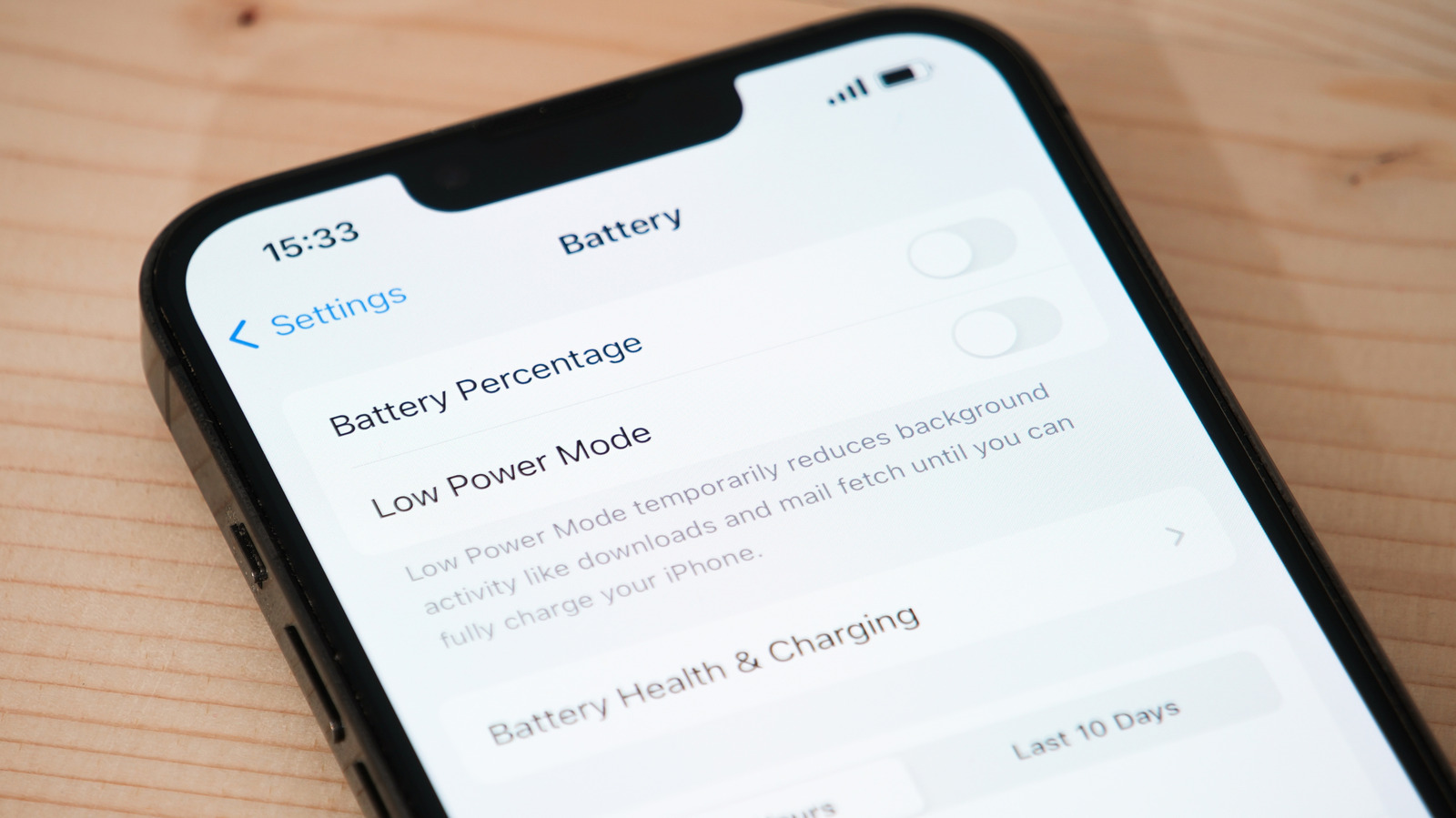
iPhone batteries gradually lose capacity through ageing and repeated charging, which can lead to shorter battery life, slower performance or unexpected shutdowns. Apple’s Settings app provides battery health information to help owners spot deterioration and decide when to seek a replacement.
In Settings > Battery > Battery Health, users can check whether the battery is normal or significantly degraded and view its maximum capacity; iPhone 15 and later also show cycle count. Apple considers capacity below 80 per cent a sign that replacement is due: older models are designed to reach that point after 500 cycles, while newer models are rated for 1,000. Rapid percentage drops, shutdowns, sluggishness and unusual heat can also signal a failing battery; a swollen battery is a safety hazard, so stop using the phone and contact Apple Support. AppleCare covers replacement without a service fee when capacity falls below 80 per cent, while out-of-plan prices cited range from $69 to $129.
- Check battery health in Settings.
- Below 80 per cent capacity, replacement is recommended.
- Stop using a phone with a swollen battery.
Read the full article at the source →
Originally published by Engadget as “The warning signs that your iPhone battery needs to be replaced”.