Entertainment news and discussion on TalkFuse.
There’s a chance your Xbox Series X is plugged into the wrong HDMI port
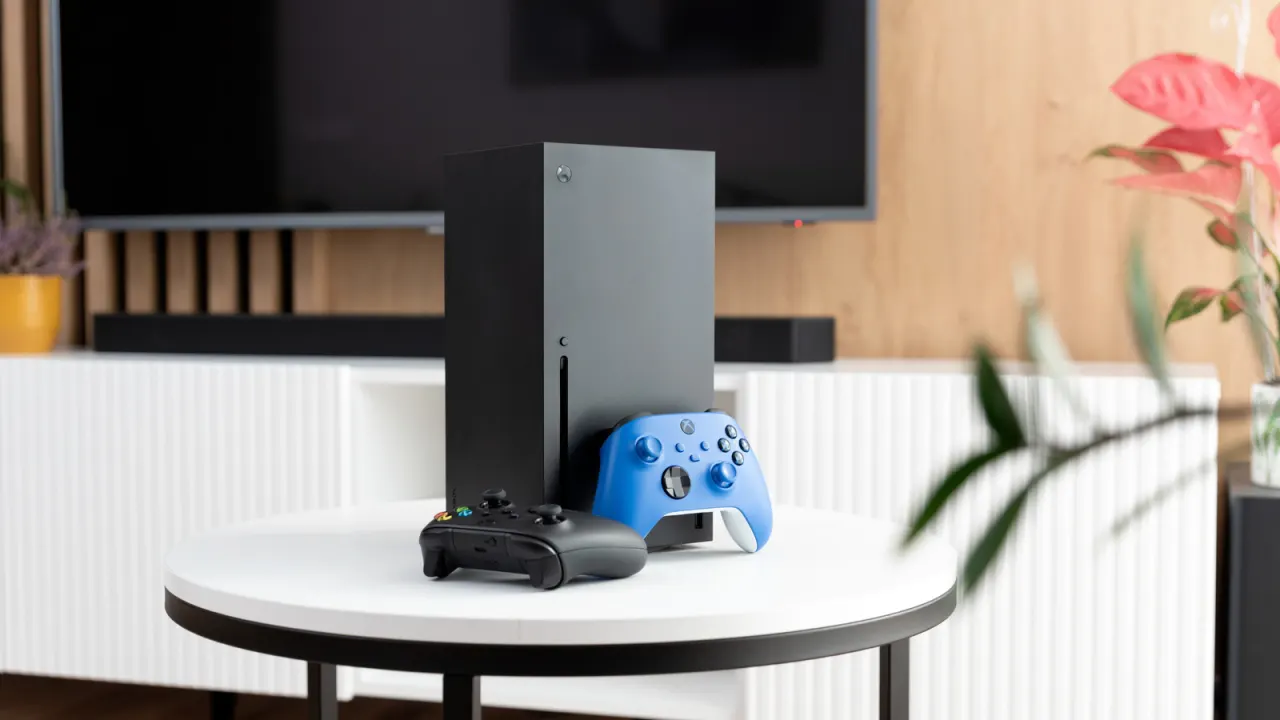
The Xbox Series X may not deliver its best picture and frame rate if it is connected to a TV’s HDMI 2.0 port instead of an HDMI 2.1 input. The distinction matters because HDMI 2.1 can enable 4K at 120 frames per second and Variable Refresh Rate, which smooths gameplay.
The number and location of HDMI 2.1 ports depend on the TV model: some sets have several, while older or budget models may have only one or two. Check the TV’s manual or port labels to find the right input; some older Sony Bravia models, for example, use ports three and four. The Xbox’s included six-foot cable supports HDMI 2.1, so most people do not need a replacement unless they need extra length or a thinner connector for a wall-mounted TV.
In short
- Check which TV input supports HDMI 2.1.
- HDMI 2.1 can enable 4K at 120 fps and VRR.
- The Xbox’s included cable is usually sufficient.
Explained simply
The Xbox Series X is Microsoft’s home games console, and it sends picture and sound to a television through an HDMI cable. TVs can have several HDMI sockets, but they may support different versions of the connection standard.
HDMI 2.1 can carry more information than HDMI 2.0, allowing compatible consoles and TVs to show 4K images at up to 120 frames per second and support Variable Refresh Rate, which helps reduce uneven motion. Whether those features are available depends on both the console and the TV, and on which socket the cable uses.
The number and position of HDMI 2.1 sockets vary by TV model, so the labels or manual can help identify them. The cable supplied with the Xbox supports HDMI 2.1; a different cable is generally only needed for practical reasons such as extra length.