Things to know before using your MacBook outside
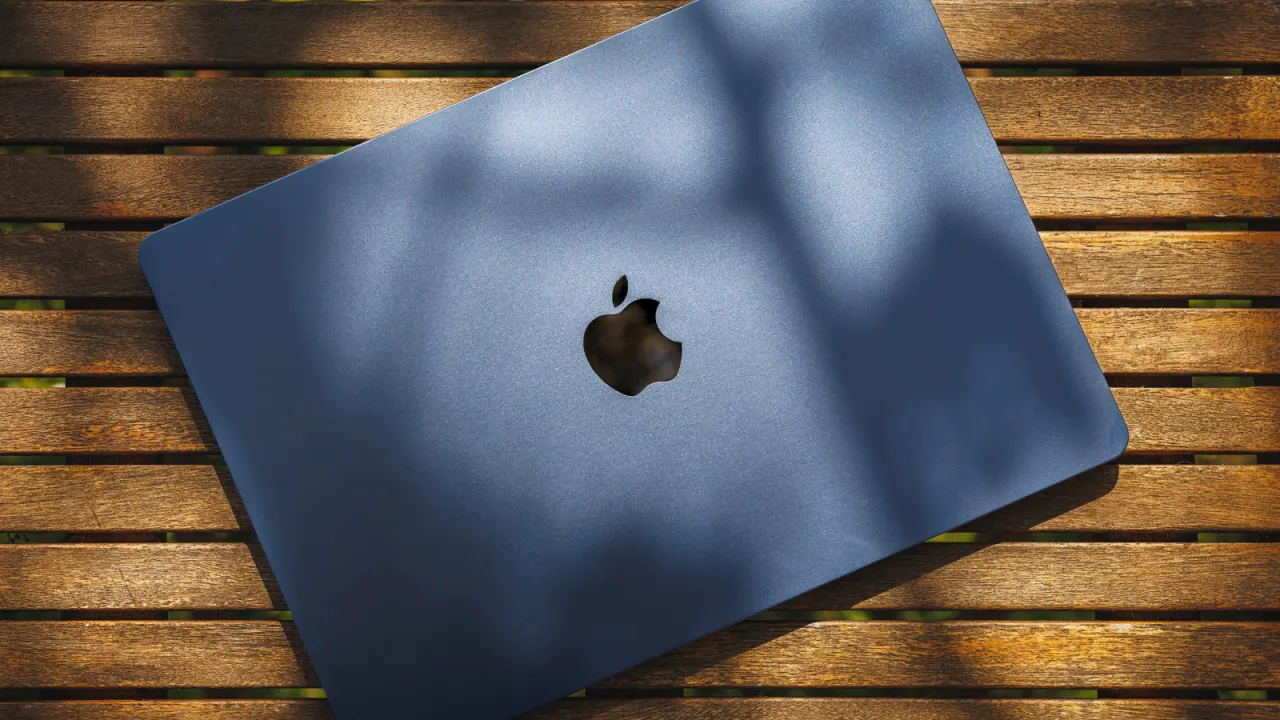
Apple has issued detailed guidance on the temperature, light and moisture conditions its MacBook laptops can safely tolerate, which is a useful reminder as more people work or browse on patios and other outdoor spaces during warm weather. Heat and direct sunlight can degrade both the machine's performance and its screen's usability, while damp conditions pose a more immediate risk of damage, so simple precautions such as seeking shade and a dry, stable surface can prevent avoidable harm.
Apple recommends using its Mac laptops only when the ambient air temperature is between 10°C and 35°C (50°F to 95°F), and warns specifically against leaving a MacBook in a parked car. Crucially, this limit refers to surrounding air rather than the laptop's casing, which can get hotter in direct sun, and sustained heat above 35°C can permanently shrink battery capacity, especially if charging. MacBook Airs rely on passive, fanless cooling while MacBook Pros use active cooling, but both benefit from shade and airflow. Screens are rated up to 500 nits (Air) or 1,000 nits (Pro) for outdoor visibility, though maximising brightness drains the battery faster, and Apple advises using a stable, ventilated surface — not pillows or bedding — while keeping the laptop, charger and cables away from rain, snow, fog and humidity.
- Keep MacBooks in ambient air between 10°C and 35°C, away from direct sun
- Excess heat can permanently reduce battery capacity, especially while charging
- Use a stable, ventilated surface and protect devices from rain, snow or fog
New here? Start with this
MacBook Air and MacBook Pro are Apple’s laptop ranges. Like other computers, they generate heat while running, and their batteries and screens can be affected by the conditions around them. Their cooling systems differ: Air models have no fan, while Pro models do.
Temperature, sunlight and moisture can affect how well a MacBook works and how long its battery lasts. A screen may also be harder to see outdoors, especially in bright light; increasing its brightness uses more power. These limits matter for people who work or browse outside, where shade, airflow and a dry surface can help protect the computer.