Technology news and discussion on TalkFuse.
MacBook black screens may stem from power or software faults
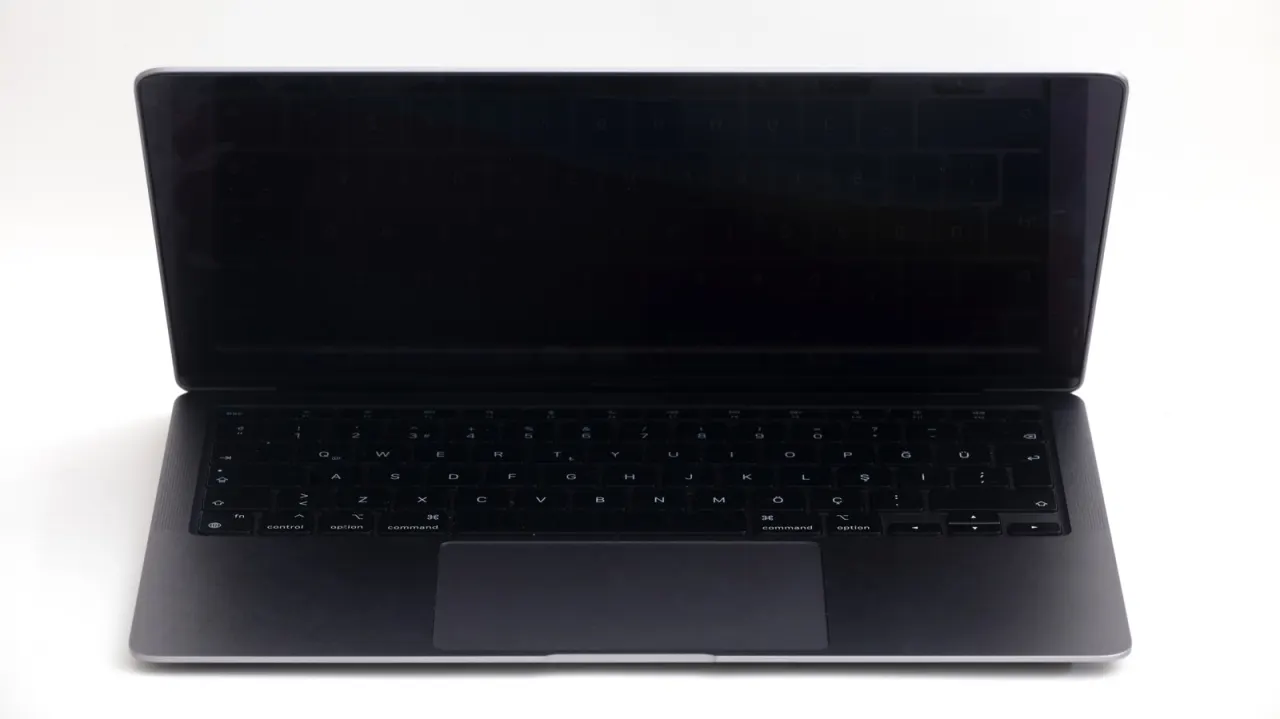
A black screen on a MacBook can be caused by a drained battery or software fault, as well as a failed display or other hardware problem. Checking power and trying a forced restart may resolve the issue before an owner seeks repair.
The suggested checks include testing the charger and cable, then connecting the MacBook to an external monitor to see whether its built-in display is faulty. Owners of Intel models can also try resetting the SMC; Apple Silicon models reset it automatically when restarted. If these steps fail, Apple Support can diagnose the fault, and owners are advised to back up data while the laptop is working.
In short
- Check the charger and cable first.
- A forced restart may clear a software fault.
- External display testing can help identify screen hardware problems.
Read the full article at the source →
Originally published by Engadget as “Troubleshooting a black screen on your MacBook is easier than you think”.