Turtle Beach Vulcan II XP Review: Clicky Compromise
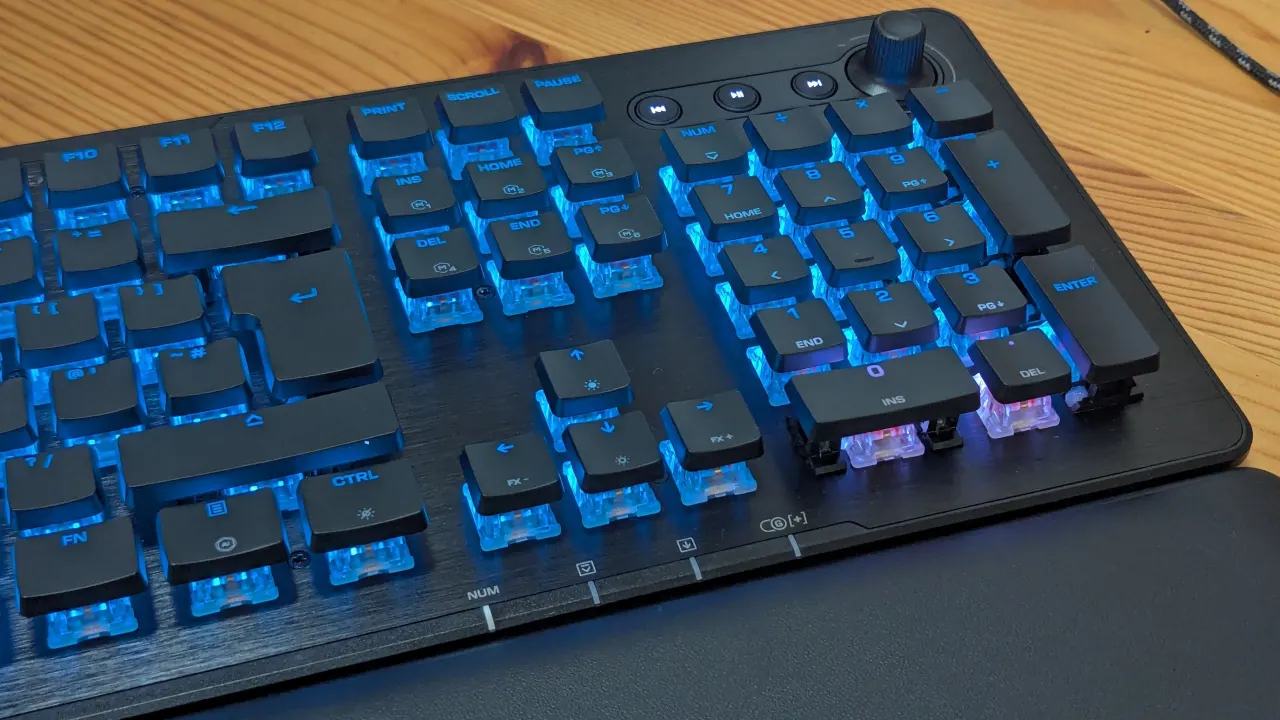
Turtle Beach’s $150 wired Vulcan II XP offers a full-size layout, smooth mechanical switches and extensive gaming customisation, but its design and typing quirks leave it feeling like a mid-range compromise. Its low-profile look, aluminium top plate and useful wrist rest are appealing, while the plastic underside and wired-only connection temper the premium impression.
The keyboard connects via USB-C and works straight away with Windows, though Turtle Beach’s Swarm II app is needed to customise lighting, remap keys and create macros. It stores up to five profiles and offers layouts for games and productivity software. The reviewed linear-switch model types smoothly with a noticeable clack on bottoming out, but its light, quiet press can make accidental long presses easy; tactile switches are also available.
In short
- Full-size wired keyboard with strong gaming customisation.
- Five onboard profiles and detailed macro controls.
- Polished look, but some budget-feeling compromises.
Explained simply
Mechanical keyboards use individual switches beneath each key, giving them a different feel and sound from many standard keyboards. Linear switches move smoothly without a bump in the press; tactile switches provide a small bump to signal that a key has registered. These differences can affect comfort, noise and typing accuracy.
Gaming keyboards often add custom lighting, remappable keys and macros, which let one key trigger a chosen action or sequence. Software can save these settings in profiles for different games or tasks, though the keyboard may still work for basic typing without it. Wired models connect directly to a computer, while wireless models offer more freedom but need a wireless connection.
Turtle Beach makes gaming accessories, including keyboards, headsets and controllers. A full-size keyboard includes a number pad as well as the usual typing keys, while features such as a metal top plate and wrist rest can affect its feel and comfort. Price, build materials, switch type and customisation are common factors when comparing keyboards.