Technology news and discussion on TalkFuse.
Ways to tell if someone blocked your phone number on iPhone
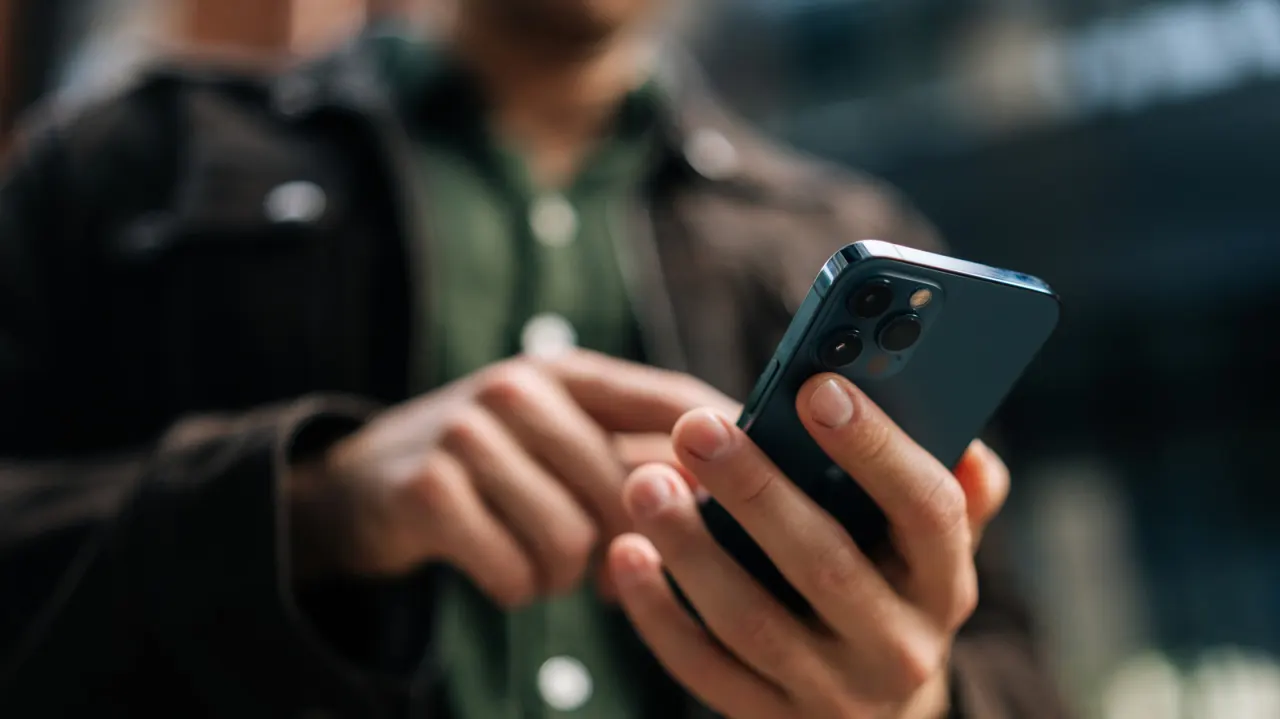
Repeated calls going straight to voicemail after one ring or no ring may suggest that an iPhone user has blocked your number, but it is not proof. The signs matter because they can help distinguish a possible accidental block from other explanations, while the article stresses that a block is the other person’s choice and should be respected.
Other clues include FaceTime calls that fail to connect and missing iMessage read receipts, though poor connectivity, a switched-off phone, Focus settings or service problems can cause similar symptoms. Android users do not receive read receipts unless they use RCS, and blocks in iPhone settings do not automatically apply to WhatsApp, Signal or Telegram. Apple and mobile carriers cannot confirm whether someone has blocked you.
In short
- Calls going straight to voicemail may be a clue, but not confirmation.
- Missing receipts and failed FaceTime calls have other possible causes.
- Respect a block and avoid trying to bypass it.
Explained simply
On an iPhone, people can block a number to stop its calls and messages reaching them. The person who blocks the number controls that choice, and Apple and mobile phone companies cannot confirm whether it has happened.
Calls going straight to voicemail, failed FaceTime calls or missing iMessage read receipts can have several causes, including a phone being off, poor signal or Focus settings. Read receipts also depend on the messaging service and phone: they are not available for ordinary texts to Android users. A block in iPhone settings does not automatically block someone on apps such as WhatsApp, Signal or Telegram.