What do all the lights on your Netgear router mean, and which ones actually matter?
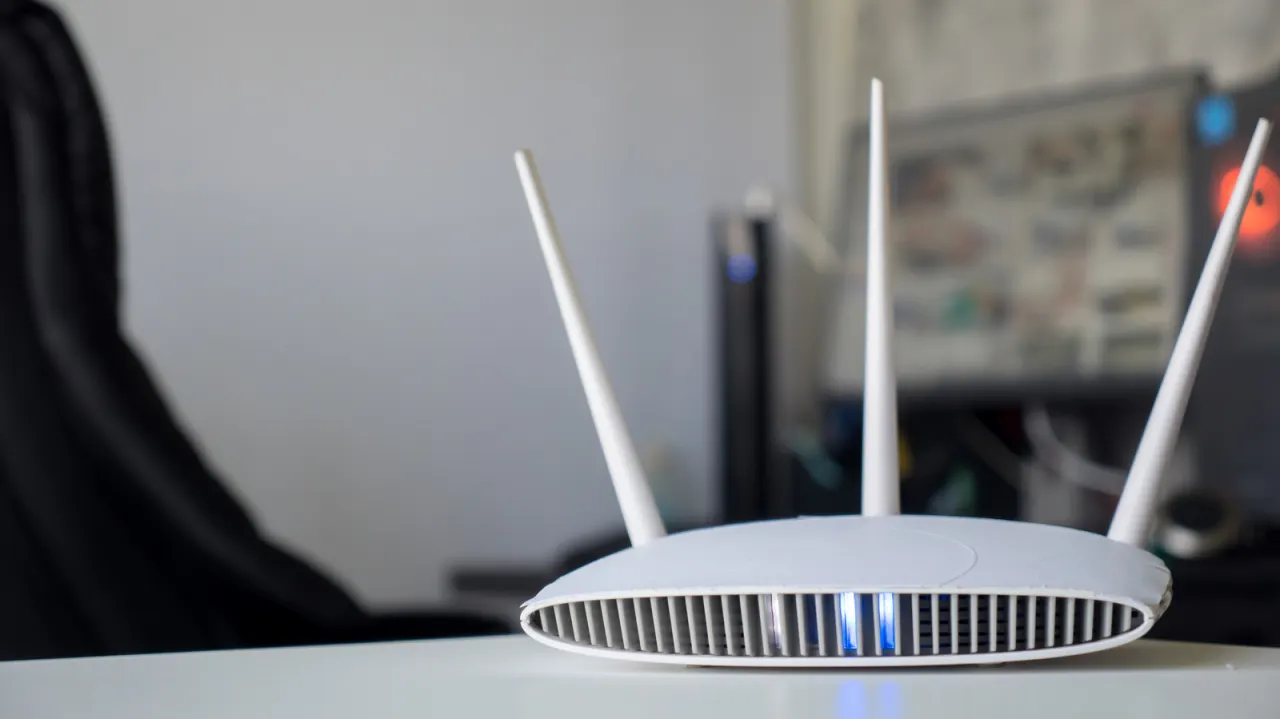
Netgear router lights indicate whether the device has power, an internet connection and active network traffic, as well as helping diagnose specific connection problems. Knowing what the colours and blinking patterns mean can help users check that their router is working or identify which connection needs attention.
The power light relates to power and firmware, while a connection-status light shows the general internet link and Wi-Fi activity lights indicate traffic. Separate indicators may show activity on the 2.4GHz and 5GHz bands, and 6GHz on newer Wi-Fi 6E models; port lights identify USB or Ethernet connections, with white or green Ethernet lights indicating 1Gbps and amber indicating 100Mbps or 10Mbps. A WPS light marks setup connections, which the article says should be disabled for better security; Orbi mesh devices use front and rear lights for connection and power or firmware status.
- Router lights show power, connection and network activity.
- Ethernet colours distinguish 1Gbps from slower connections.
- Disabling WPS can improve router security.
New here? Start with this
A router connects devices in your home to the internet and can also let them communicate with each other over Wi-Fi or an Ethernet cable. Netgear makes routers and Orbi mesh systems, which use several units to extend a network around a home.
The lights show different parts of that system, such as whether a unit has power, whether it can reach the internet and whether data is moving. Some also indicate activity on particular Wi-Fi bands or connections through Ethernet and USB ports.
The indicators can help narrow down where a connection problem may lie, though their meaning varies by model. WPS is a feature for connecting devices to Wi-Fi during setup; some users choose to turn it off as a security measure.