What happens when your PC’s CMOS battery dies?
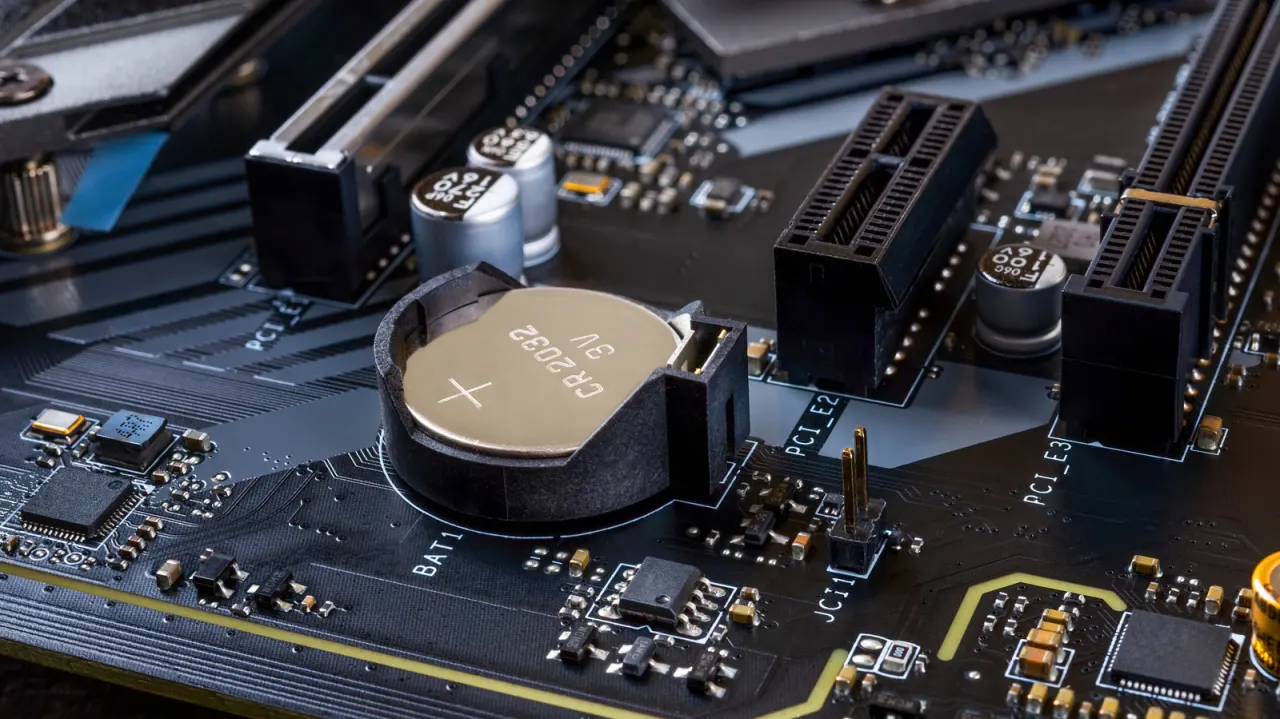
A failing CMOS battery can stop a desktop PC from retaining its time, date and basic BIOS or UEFI settings when it is unplugged. The problem can cause boot warnings and reset options such as boot order and fan settings, though it does not erase apps or files.
Most desktops use a CR2032 coin cell, which can last several years or up to a decade; CR2025 cells are less common. Replacing it usually takes only a few minutes: power off the PC, locate and gently release the battery, fit the replacement, then restore any preferred BIOS or UEFI settings. Many laptops use their main battery to keep the clock running, so the issue is more common in desktops.
In short
- A dead CMOS battery can reset a PC’s clock and hardware settings.
- Desktop coin cells often last years and are inexpensive to replace.
- You may need to restore BIOS or UEFI preferences afterwards.
Explained simply
A CMOS battery is a small cell on a computer’s motherboard that helps keep the clock and some startup settings when the PC is switched off and unplugged. BIOS or UEFI is the built-in software that starts the computer and stores options such as which drive to start from.
The battery does not power the whole computer or store personal files and apps. In most desktop PCs it is a replaceable coin cell, while many laptops rely on their main battery to keep the clock running, so the problem is more often seen in desktops.