World news and discussion on TalkFuse.
What is Roku’s secret menu and how do you unlock it?
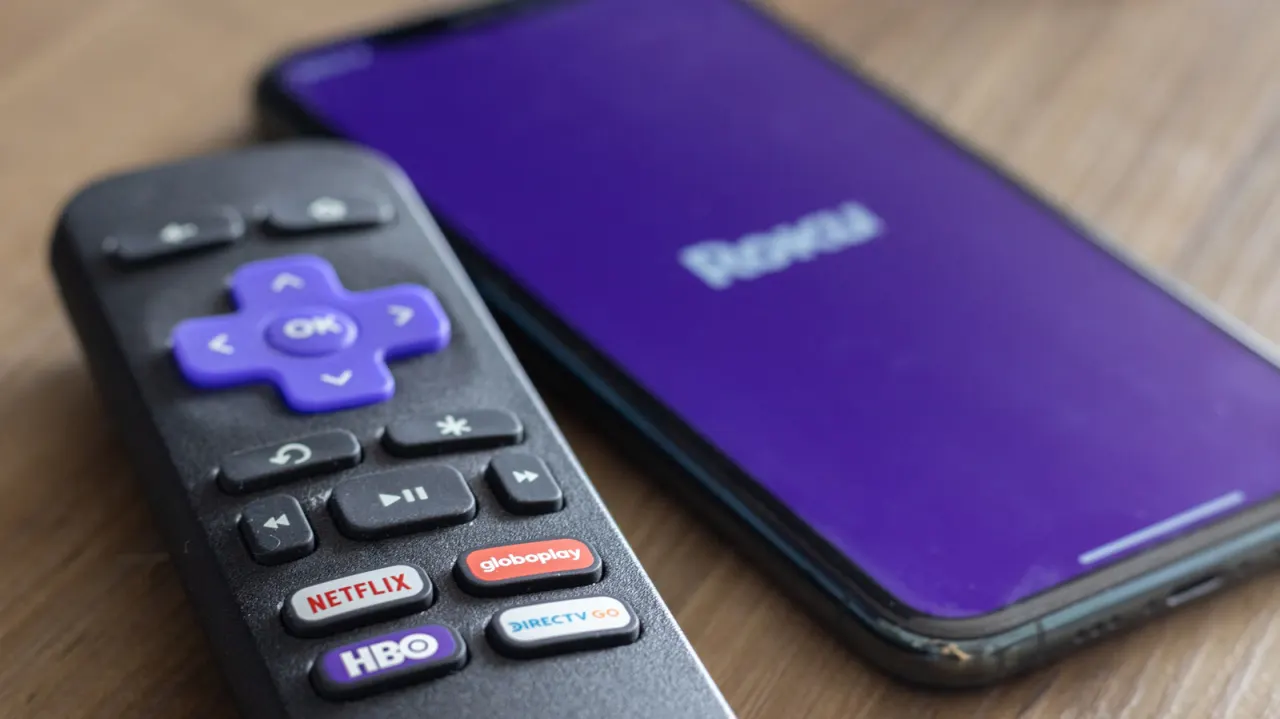
Roku devices contain a series of hidden diagnostic and settings menus that go beyond the standard home screen, accessible only by entering specific button sequences on the remote or the mobile app. These "secret menus" let users sideload apps, troubleshoot network issues, check hardware performance and even factory reset the device, offering more advanced control than the regular interface provides.
Among the most useful is the developer menu, unlocked with Home ×3, Up ×2, Right, Left, Right, Left, Right, which allows app sideloading and access to developer tools. Other combinations open network and wireless diagnostics, an ad-preferences screen, a platform menu showing memory use and device temperature, HDMI settings, a channel/app info screen, and a reset-and-update screen for factory resets and software updates. Each menu serves a practical purpose, from fixing lagging connections to resolving crashing apps, and all are accessible using just the standard Roku remote or its companion smartphone app.
In short
- Roku has several hidden menus unlocked via remote button combinations.
- They cover developer tools, network diagnostics, HDMI, ads and resets.
- Useful for troubleshooting crashes, lag and other performance issues.
Explained simply
Roku is a brand of streaming devices and smart TVs that runs its own simplified operating system, giving users access to apps like Netflix, YouTube and iPlayer through a straightforward home screen. Beneath that everyday interface, though, the software contains a set of hidden menus originally built for engineers and developers to test and troubleshoot the hardware, rather than for typical viewers.
These menus are not listed anywhere in the normal settings and can only be reached by tapping specific sequences of buttons on the remote control or within Roku's companion smartphone app. Once unlocked, they offer a level of technical detail and control well beyond the standard interface, such as installing unofficial apps, viewing memory usage and temperature, running network checks, or resetting the device entirely.
This matters because many Roku owners run into everyday problems, such as slow Wi-Fi, apps that crash, or a device that needs resetting, and these concealed tools can help diagnose or fix such issues without contacting customer support. Knowing the button codes effectively gives users a more advanced, technician-level way of managing their device using only the standard remote or app they already own.