Technology news and discussion on TalkFuse.
MacBook Globe key offers shortcuts for input, navigation and windows
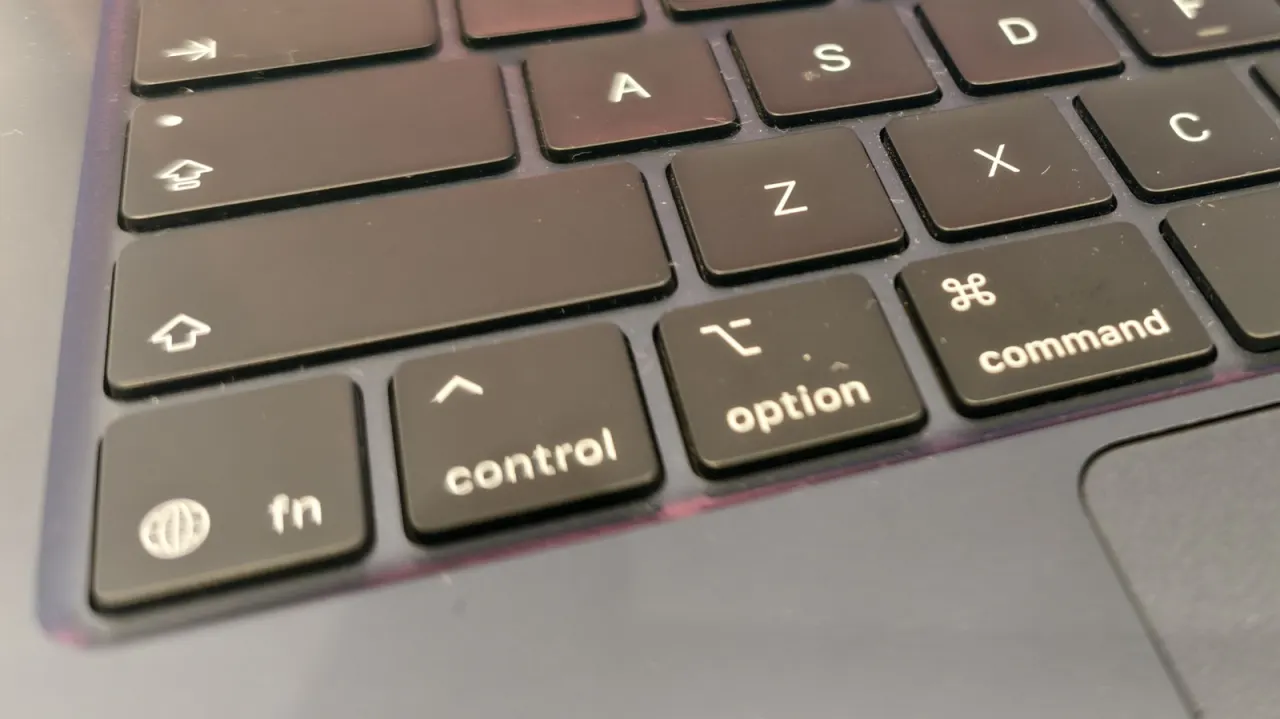
The Globe key on MacBook keyboards combines the globe symbol with the Fn key and offers shortcuts for typing, navigation and window management. Understanding its functions can help users work more efficiently, particularly on smaller displays or when switching between languages.
A single tap can show Emoji and Symbols, start dictation, switch input sources or do nothing, depending on the keyboard settings. Holding the key with an F-key accesses its system controls, while combinations with arrows can scroll through documents or tile windows; users can also customise its behaviour in System Settings.
In short
- The Globe key doubles as the Fn key.
- It can switch languages, open Emoji and Symbols, and control windows.
- Users can customise its single-tap action in keyboard settings.
Read the full article at the source →
Originally published by Engadget as “What is the globe icon on your MacBook keyboard used for?”.