What Is USB Tethering And How Do You Enable It For Mobile Hotspot?
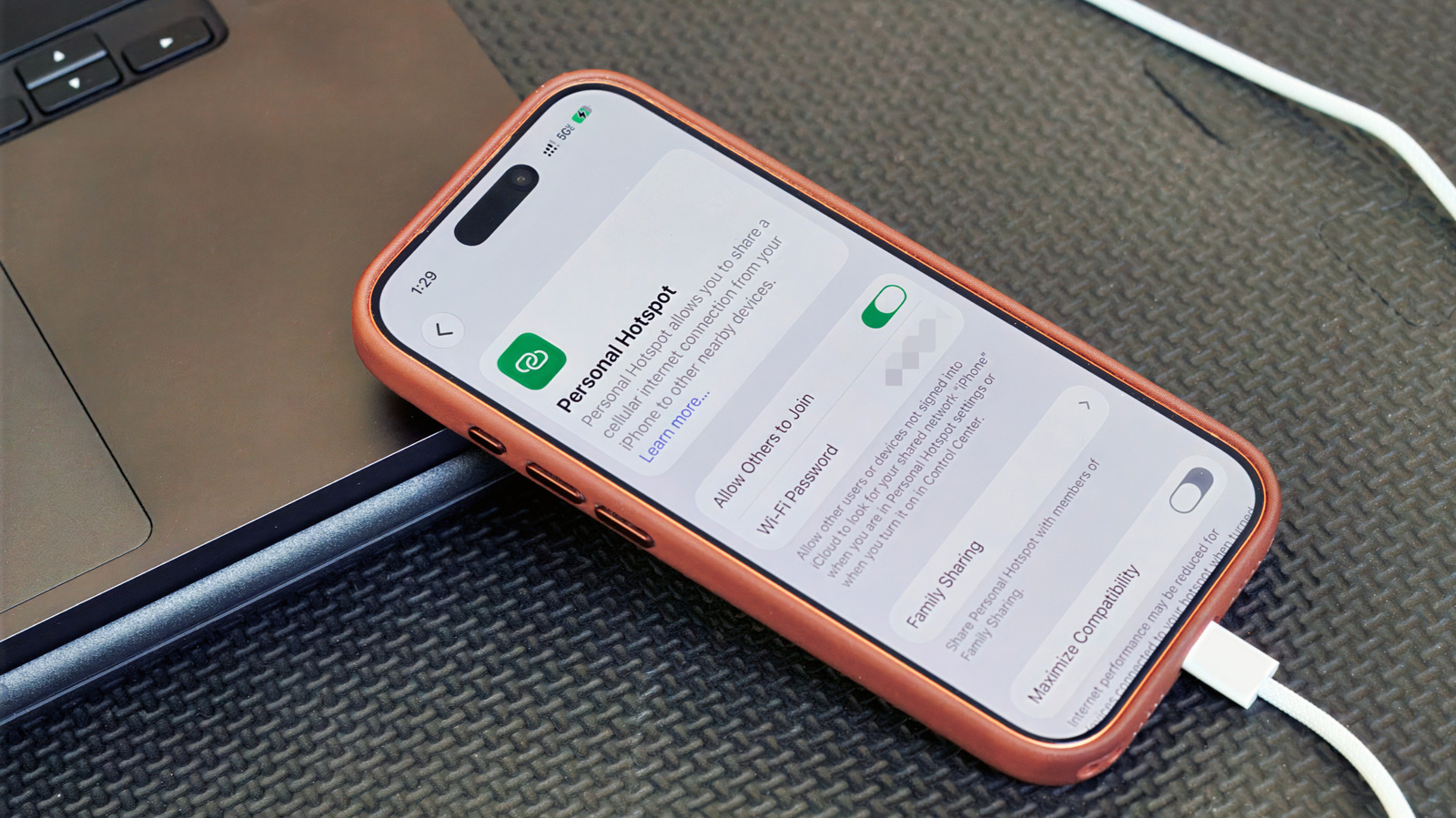
USB tethering lets a smartphone share its mobile-data connection with a computer through a USB cable, offering a potentially steadier and more private alternative to a wireless hotspot. It can be useful in crowded places or where Wi-Fi interference is likely, and may charge the phone at the same time, though it is mainly suited to connecting one device.
Android phones can tether to Windows PCs, while iPhones can tether to Macs or Windows computers; Android USB tethering does not work with Macs. Users connect the phone with a data-capable cable, enable USB tethering in Android’s hotspot settings or turn on Personal Hotspot on an iPhone, and may need to approve trust prompts or install Apple software on Windows. Mobile plans may restrict or charge for tethering, and the connection remains dependent on cellular signal quality.
- USB tethering shares mobile data through a cable.
- It is steadier and more private than Wi-Fi hotspots.
- Check device compatibility and your mobile plan.