What more can you delete from your iPhone to free up space?
This piece offers practical, lesser-known steps for reclaiming storage space on an iPhone beyond the usual advice of deleting apps and old photos or videos. It matters for anyone whose device is filling up, as much of this "hidden" clutter (leftover attachments, deleted-but-not-purged files, and unlimited app downloads) can quietly consume significant space without the user realising.
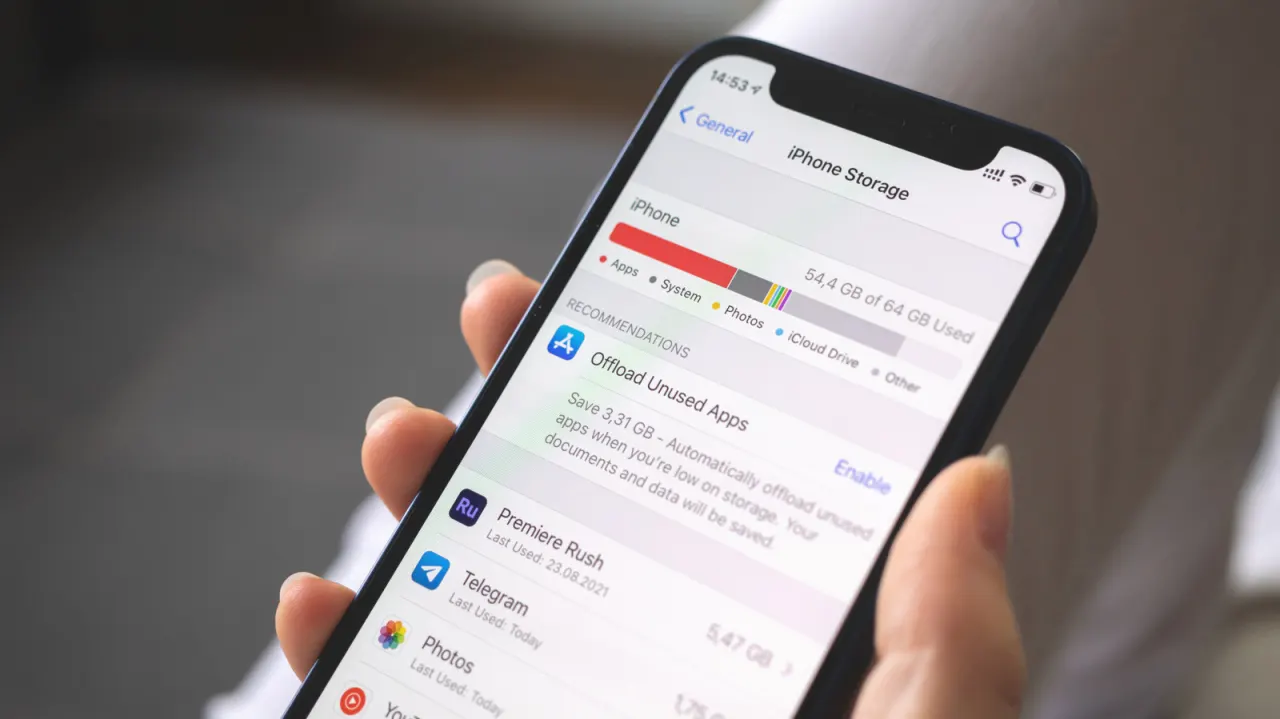
The guide directs readers to Settings > General > iPhone Storage to spot heavy apps, then highlights specific fixes: clearing large media from Messages and WhatsApp (via You > Storage and data > Manage storage), emptying "Recently Deleted" folders in Photos and Files (which retain deleted items temporarily), checking the Files app's "On My iPhone" section for forgotten downloads like PDFs or game ROMs, and managing offline downloads in apps such as Spotify, Overcast and Google Maps. It also suggests adjusting settings to prevent future clutter, such as disabling WhatsApp's auto-save feature or lowering Spotify's download quality via its Media quality settings.
- Extra iPhone storage often hides in Messages, WhatsApp and "Recently Deleted" folders.
- Check Settings > General > iPhone Storage for a breakdown of space hogs.
- Manage offline downloads in apps like Spotify and Overcast to limit clutter.
New here? Start with this
An iPhone stores apps, messages, photos, documents and music or maps saved for offline use. The Settings app’s iPhone Storage page shows how much space different apps and types of content use, which can help identify where to look.
Some items remain on the phone after they are deleted: Photos and Files keep recently deleted items for a time, while message attachments and downloads may sit inside apps. Services such as WhatsApp, Spotify and Google Maps can also save media or maps automatically or for offline use.
Storage space affects how much new content you can save and which apps or updates the phone can accommodate. Checking these less visible stores can help people decide what to remove and change settings to limit future downloads.