PS5’s orange light indicates Rest Mode, not a fault
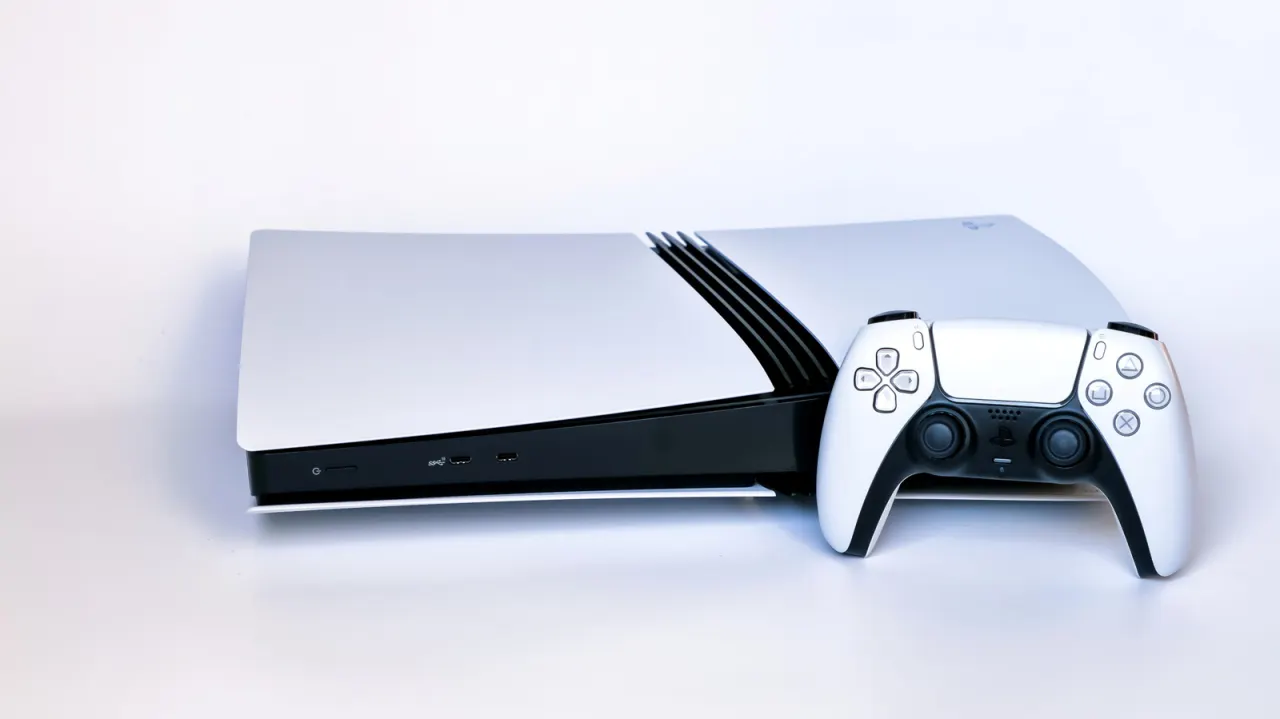
An orange light on a PlayStation 5 means the console is in Rest Mode, rather than signalling a fault. Rest Mode uses little power and can keep charging controllers or downloading games, depending on the console’s settings.
Players can enter Rest Mode with the console’s power button or through the controller’s Power menu, and adjust how long the PS5 waits before entering it. The light means the system is not fully off, so users should select “Turn Off PS5” and wait for the lights to go out before unplugging it. The article also notes that overheating and visual glitches may indicate hardware problems; flickering or coloured lines can also stem from HDMI or display issues.
- An orange PS5 light indicates Rest Mode.
- Rest Mode can charge controllers and download games.
- Turn the console fully off before unplugging it.
Read the full article at the source →
Originally published by Engadget as “What the orange light on your PlayStation 5 is actually telling you”.