What to try when an Android app keeps crashing
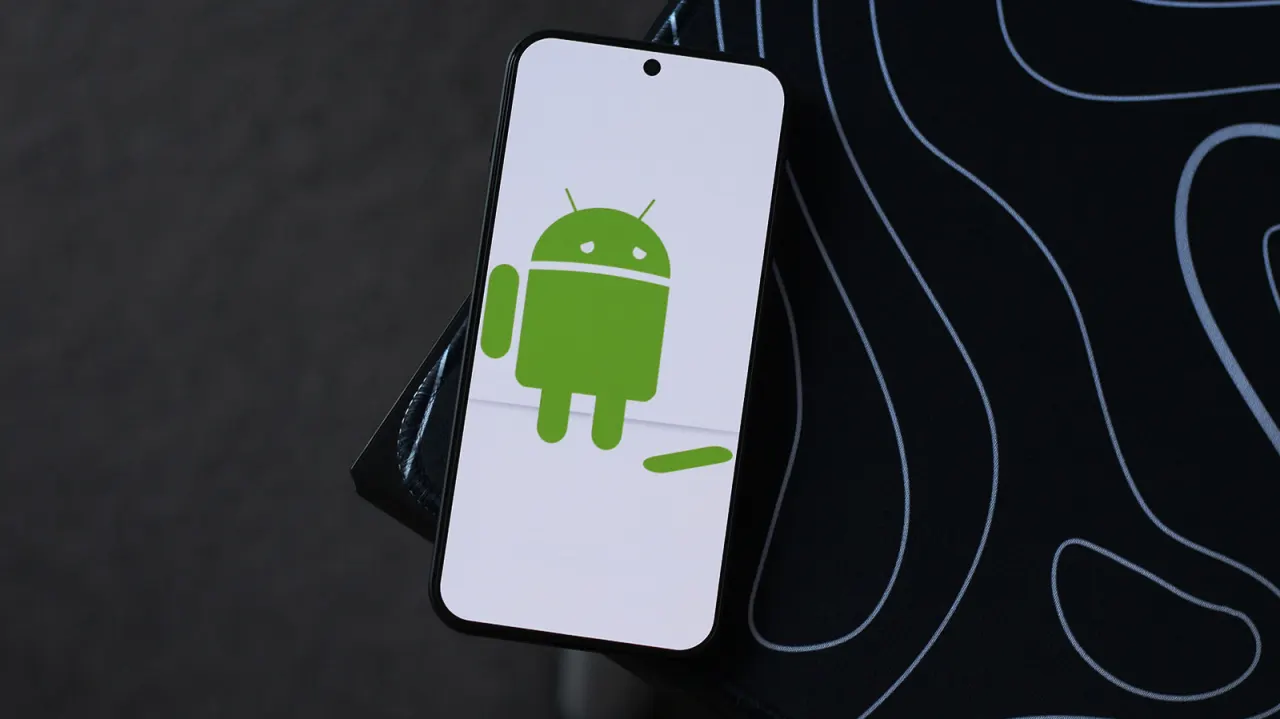
The article offers troubleshooting advice for Android users whose apps repeatedly crash, drawing on the author's long experience with the operating system. It notes that crashes are more often caused by buggy app updates than by hardware problems, so the first port of call should be the Google Play Store rather than the phone itself, and it walks through a series of escalating fixes for readers to try in turn.
The suggested steps include checking for pending app updates via the profile menu in the Play Store, clearing an app's cache and using "Force stop" through its App info page, and, if problems persist, uninstalling and reinstalling the app (noting this wipes locally stored data unless it syncs to the cloud) or using "Clear data" instead. Further tips cover force-restarting the device, installing any available system software updates, and, as a last resort, enabling developer mode to sideload an older, more stable version of the troublesome app from a source such as APKMirror.
- Guide to fixing persistently crashing Android apps.
- Check Play Store updates first; buggy updates cause most crashes.
- Other fixes: clear cache/data, reinstall, restart phone, sideload older version.
New here? Start with this
Android apps that crash again and again are one of the most common gripes users have with their phones, and it is not always clear whether the phone, the app or something else entirely is to blame. Troubleshooting guides like this one exist because most people do not know where to start, and the fixes involved range from quick tweaks in an app's settings to more involved steps like restarting the device or reverting to an older version of an app.
The key player here is Google's Play Store, the official marketplace through which most Android apps are installed and updated. It matters because faulty updates pushed through the Play Store are a frequent cause of crashes, meaning the store itself, rather than the phone's hardware, is often the first place to look for a fix.
Background knowledge that helps here includes basic Android maintenance concepts: an app's "cache" is temporary stored data that can become corrupted, "Force stop" and "Clear data" are settings-menu options for resetting an app, and "developer mode" is a hidden set of advanced options that lets more experienced users install apps from outside the Play Store. These are standard troubleshooting tools built into Android rather than anything unusual or risky in themselves.
Art Celebrity Culture Entertainment Gadgets Software Technology