Technology news and discussion on TalkFuse.
What you should check if Gmail isn’t working on your Android phone
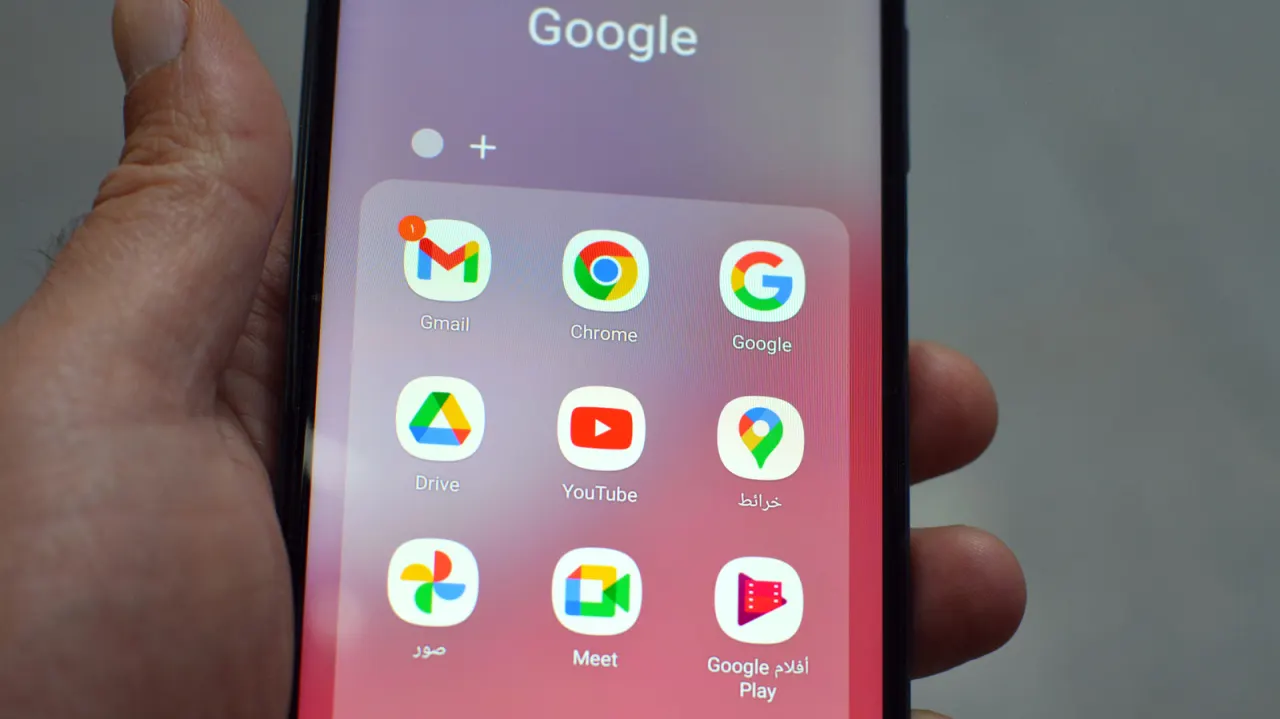
The article outlines common reasons Gmail may stop updating, sending notifications or opening on Android, and offers a sequence of checks to identify the cause. These range from an outdated app or weak internet connection to incorrect sync settings, a corrupted cache or a Google service disruption.
It recommends updating Gmail through the Play Store, testing internet access in a browser and checking Google’s Workspace Status Dashboard for outages. If those steps do not resolve the issue, users should confirm Gmail sync is enabled both in the app and in Android account settings; people using POP or IMAP accounts should also check their server details. The supplied article text ends before explaining its remaining cache and storage advice.
In short
- Update Gmail and check your internet connection.
- Check Google’s dashboard for a service disruption.
- Confirm sync settings and account server details.
Gadgets Paranormal Technology Weird & Viral