What’s the USB trident symbol for? How to know what kind of port you have
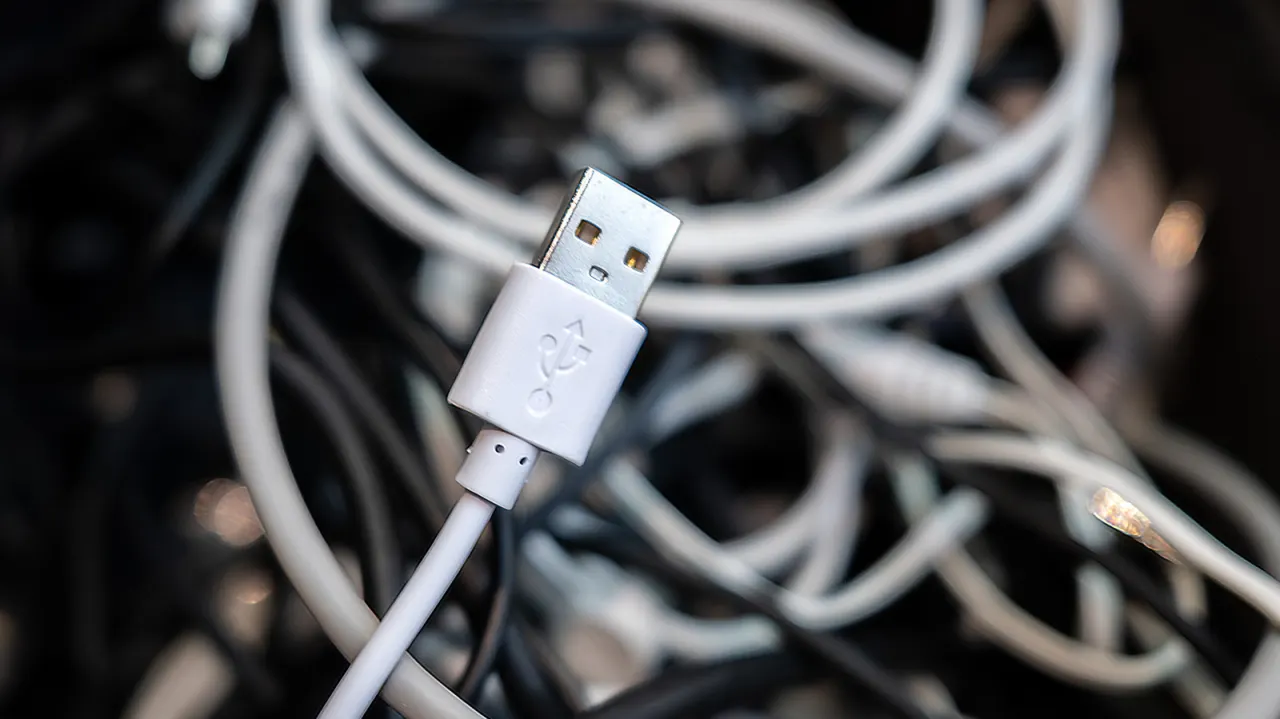
USB’s trident symbol indicates a USB connection, but on its own it usually refers to older USB 2.0 technology rather than revealing every capability of a port or cable. Understanding labels, symbols and colours matters because USB connections can vary widely in data-transfer speed, charging ability and display support, affecting which accessories work best with a computer.
USB 2.0 offers up to 480Mbps and is suitable for low-speed devices such as keyboards and mice. Later versions originally called USB 3.0, 3.1 and 3.2 provide 5Gbps, 10Gbps and 20Gbps respectively, now marketed by speed; their symbols may include ‘SS’ and a number. Black or white commonly denotes USB 2.0, blue usually indicates 5Gbps, while red or yellow ports may supply power when a computer is off, though colour conventions are not fully standardised.
In short
- The trident alone usually means USB 2.0.
- USB labels reveal transfer speed more reliably than colours.
- Port colours can indicate charging, but vary by manufacturer.
Explained simply
USB is the standard used to connect many accessories to computers, including keyboards, mice and storage devices. The familiar trident symbol marks a USB connection, but it does not by itself show how fast the connection is or what else it can do.
USB ports and cables support different data speeds and charging capabilities. Faster versions may be marked “SS” with a number, while port colours can offer clues, though those colours are not used consistently by every manufacturer.
These differences matter when choosing accessories or transferring files: a device may connect but work more slowly or charge differently than expected. Some ports also support display output or supply power while a computer is off, so checking the device’s labels or specifications can help identify its capabilities.