Navigation and wireless charging can overheat phones using CarPlay or Android Auto
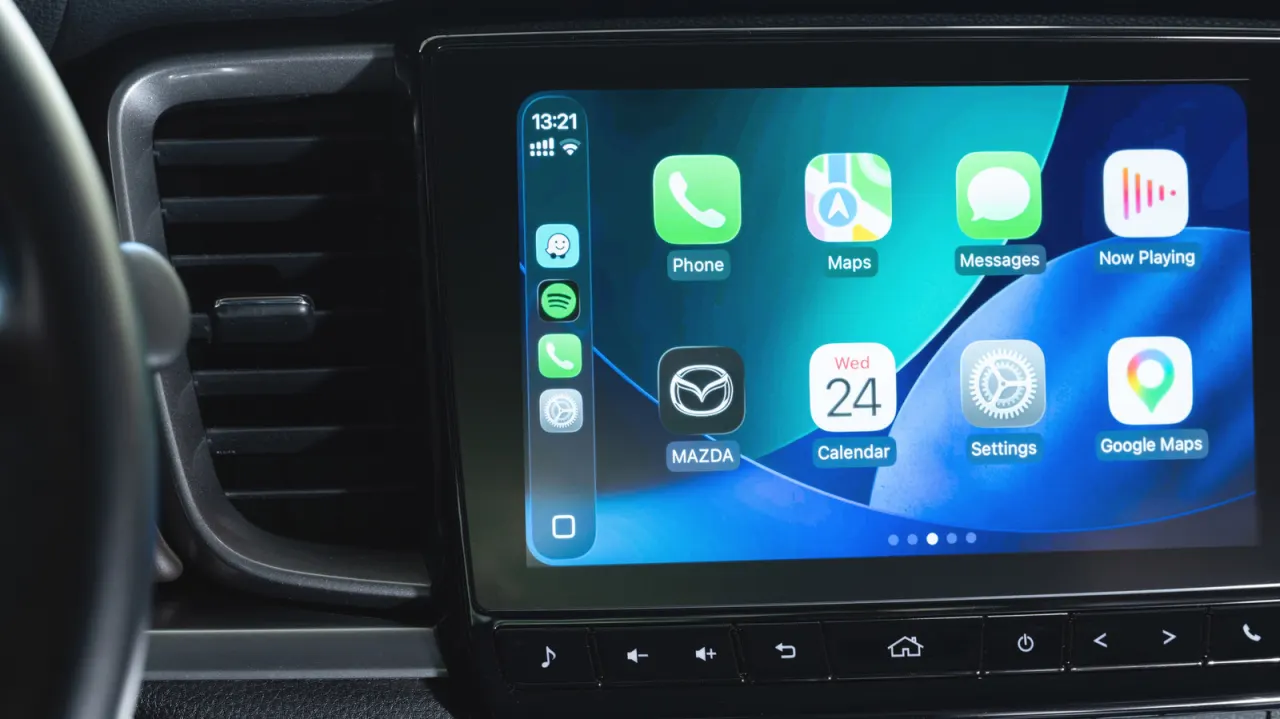
Using CarPlay or Android Auto can make a phone overheat because navigation and other apps demand sustained processing, while wireless connections and charging add heat. If temperatures rise too far, a phone may slow down, stop charging or shut off, disrupting navigation and potentially affecting the device.
Heat can build up from direct sunlight, a heater blowing on the phone, or placing it where ventilation is poor. Navigation uses mobile data, GPS and map rendering, while wireless projection activates Bluetooth, Wi-Fi and cellular connections; wireless charging adds more heat than USB. To reduce the load, use USB charging when possible, avoid charging on shorter drives, and position the phone away from strong sun or hot air vents.
- CarPlay and Android Auto can make phones run hot.
- Wireless charging and several active radios add heat.
- Use USB and keep the phone out of sun and hot airflow.
New here? Start with this
CarPlay and Android Auto allow you to project your smartphone's interface onto your car's dashboard screen for easier access to navigation, music and messaging whilst driving. Using these services can cause phones to overheat because the device simultaneously runs navigation apps, maintains wireless connections and often charges, each of which generates heat.
Navigation continuously demands mobile data, GPS positioning and map processing, whilst wireless projection requires active Bluetooth, Wi-Fi and cellular connections. Wireless charging generates more heat than USB charging, and the problem worsens in direct sunlight, near car heaters or in poorly ventilated phone holders.
Excessive heat can cause a phone to slow down, stop charging or shut down entirely, which disrupts navigation and potentially leaves a driver without directions. This is particularly problematic on longer journeys where these systems run continuously.
Both sides, in good faith
The strongest fair case each way — we don't pick a winner.
The case for
Users benefit from knowing about phone overheating during CarPlay and Android Auto use, as thermal throttling can disrupt navigation precisely when drivers need it most. Simple preventive measures such as USB charging and improved ventilation are readily available, and awareness helps users maintain reliable device functionality in critical moments.
The case against
Smartphones are engineered specifically to manage sustained processing whilst charging, and thermal throttling is a sophisticated safety feature designed to activate automatically without user intervention. Modern phones reliably handle the processing demands of CarPlay and Android Auto, so presenting thermal management as a notable concern may create unnecessary anxiety about what is standard, expected operation.
Read the full article at the source →
Originally published by Engadget as “Why is your phone overheating while using CarPlay or Android Auto?”.