Why it’s important to monitor your PC’s background processes
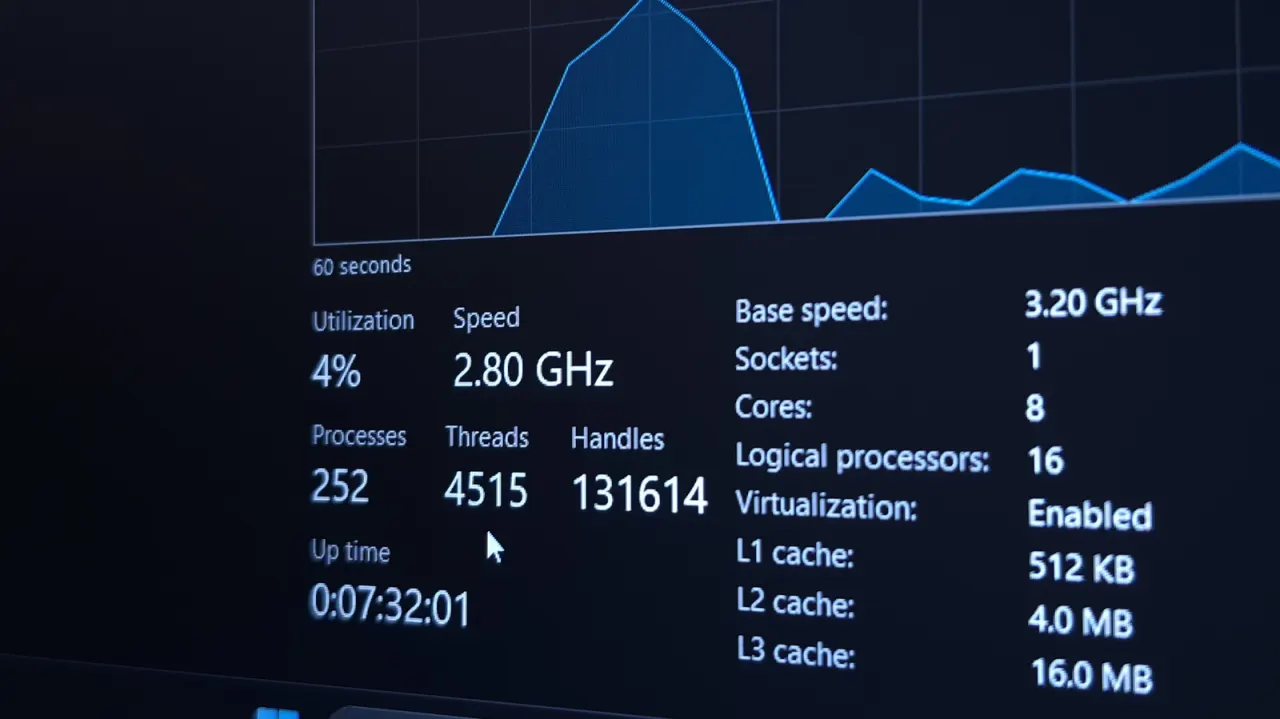
Checking background processes can help identify apps or services that are slowing a PC by using more CPU, memory, disk activity or network bandwidth than expected. Knowing what normally runs gives users a useful comparison when performance changes, and helps them decide what to investigate.
Windows Task Manager lists open apps, background processes and system tasks, with resource use shown for each; users can sort the list by name or by activity. Some entries, such as browser components or game launchers, may be less familiar, and high usage can have a legitimate cause, such as an update downloading, so the article advises against ending processes without checking first.
- Check Task Manager when your PC slows down.
- Compare activity with what is normal for your PC.
- Investigate high usage before ending a process.