Technology news and discussion on TalkFuse.
iOS 27 adds CarPlay audio controls without leaving the current screen
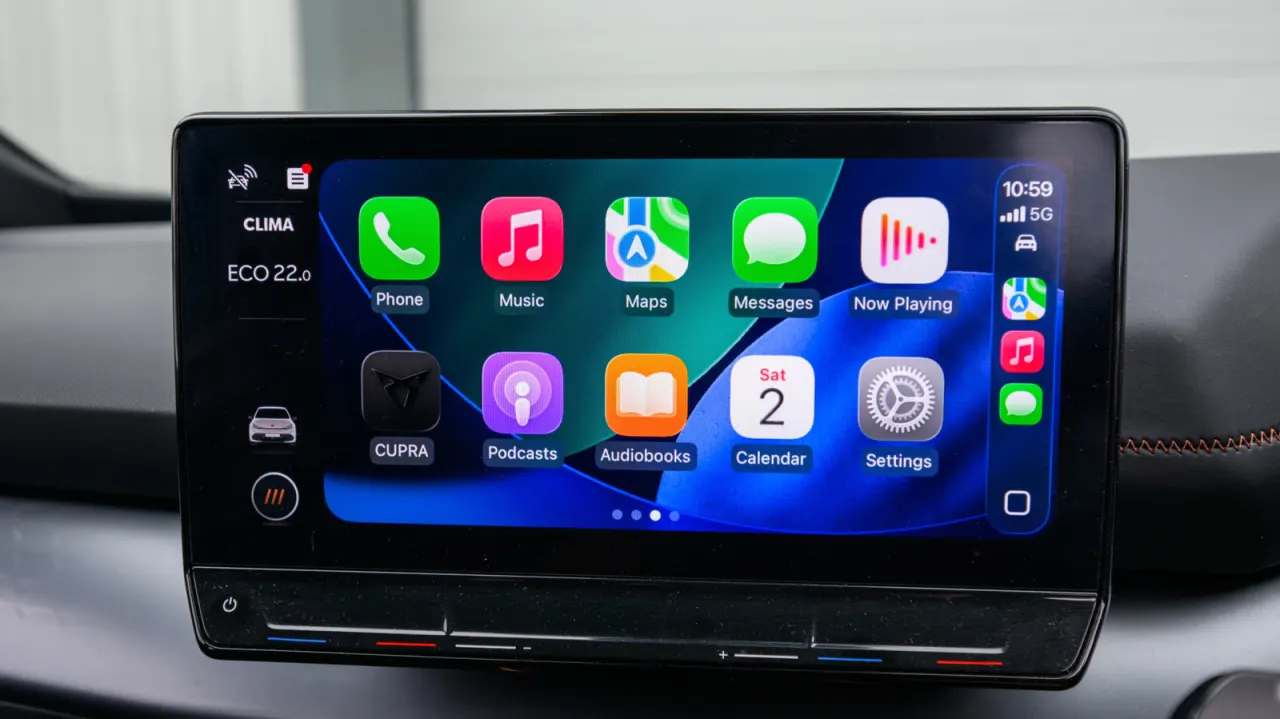
iOS 27 adds a MiniPlayer to the top-right corner of CarPlay audio apps, replacing the waveform icon that opened the Now Playing screen. It lets drivers see what is playing and, on larger displays, pause or skip tracks without leaving the screen they are browsing.
The change turns some three-tap actions into one tap and works automatically in apps that use CarPlay’s Now Playing feature, on any iPhone that supports iOS 27. Compact displays may show only the track and a shortcut, and seeking to a specific point still requires the Now Playing screen. Apple says the feature may be disabled by app developers; its consistent button position also aligns with voluntary US guidance aimed at limiting driver distraction.
In short
- CarPlay’s new MiniPlayer puts playback controls in audio apps.
- On larger displays, pausing or skipping takes one tap.
- The feature works with iOS 27 compatible iPhones and supported apps.
Read the full article at the source →
Originally published by Engadget as “Why the iOS 27 MiniPlayer is a game changer for CarPlay users”.