iPhones cannot print directly to older printers via USB cables
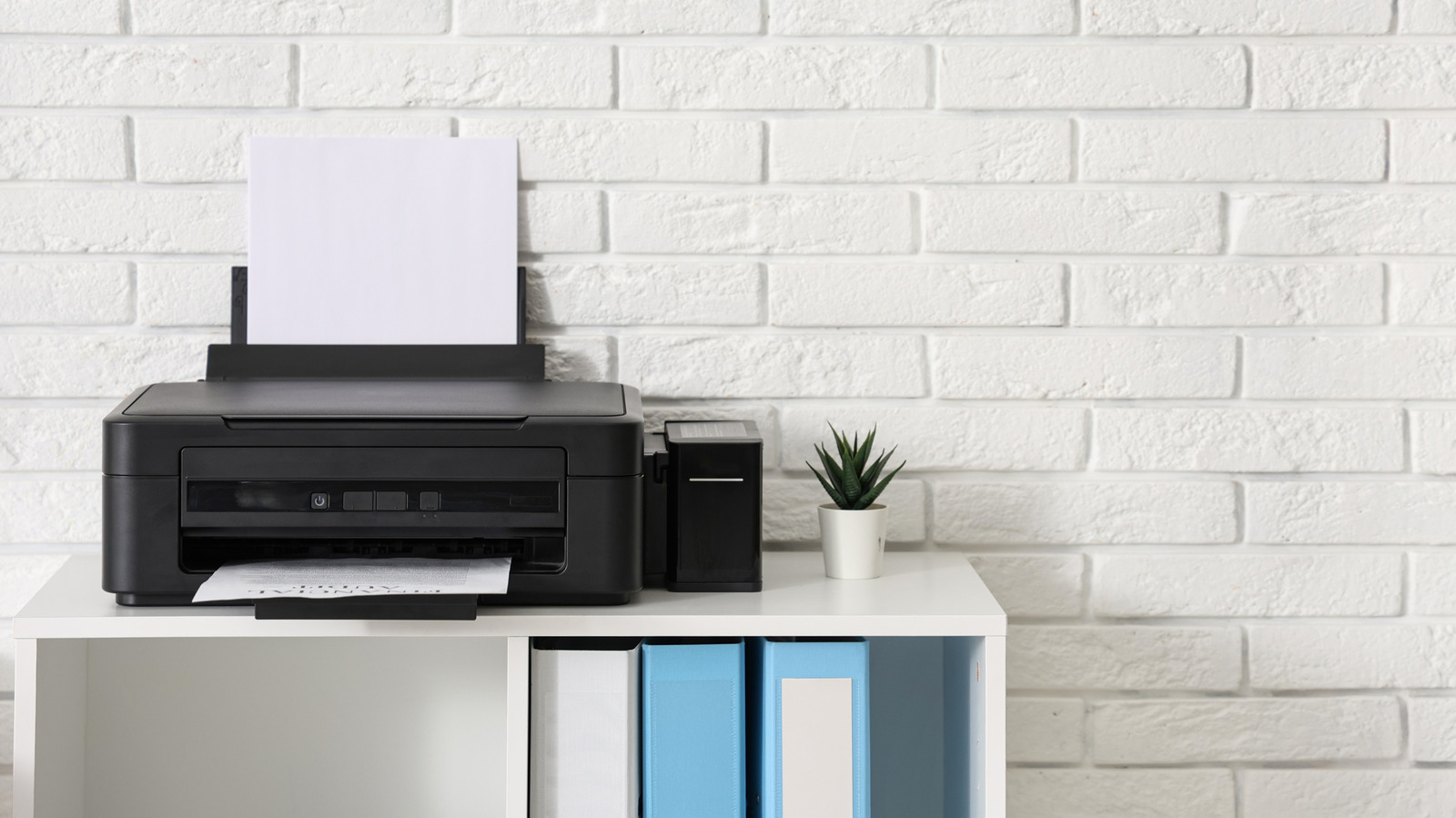
iPhones cannot directly connect to printers via USB cables, which leaves users with older non-wireless printers unable to print directly from their devices. This matters because many people still own older printers without modern wireless capabilities and expect their phones to work with them similarly to Android devices.
Apple deliberately excluded native printer driver support from iOS and iPadOS to avoid managing the complexity of multiple device driver variations. Since late 2010, iPhones have supported AirPrint for wireless printing, but older printers lack this capability. Whilst workarounds exist—such as third-party apps that route printing through a computer or special bridging software like Printopia—none offer the convenience of direct USB printing. Android devices provide native USB printing apps that iPhone lacks, making this a notable functional disadvantage.
- iPhones lack USB printer drivers by Apple's intentional design decision
- AirPrint wireless printing available since 2010, but older printers unsupported
- Workarounds require computer intermediaries; upgrading to modern printers is most practical
Read the full article at the source →
Originally published by Engadget as “Why your iPhone hates printer cables”.