Technology news and discussion on TalkFuse.
Why your laptop fans spin up even when you’re not doing anything
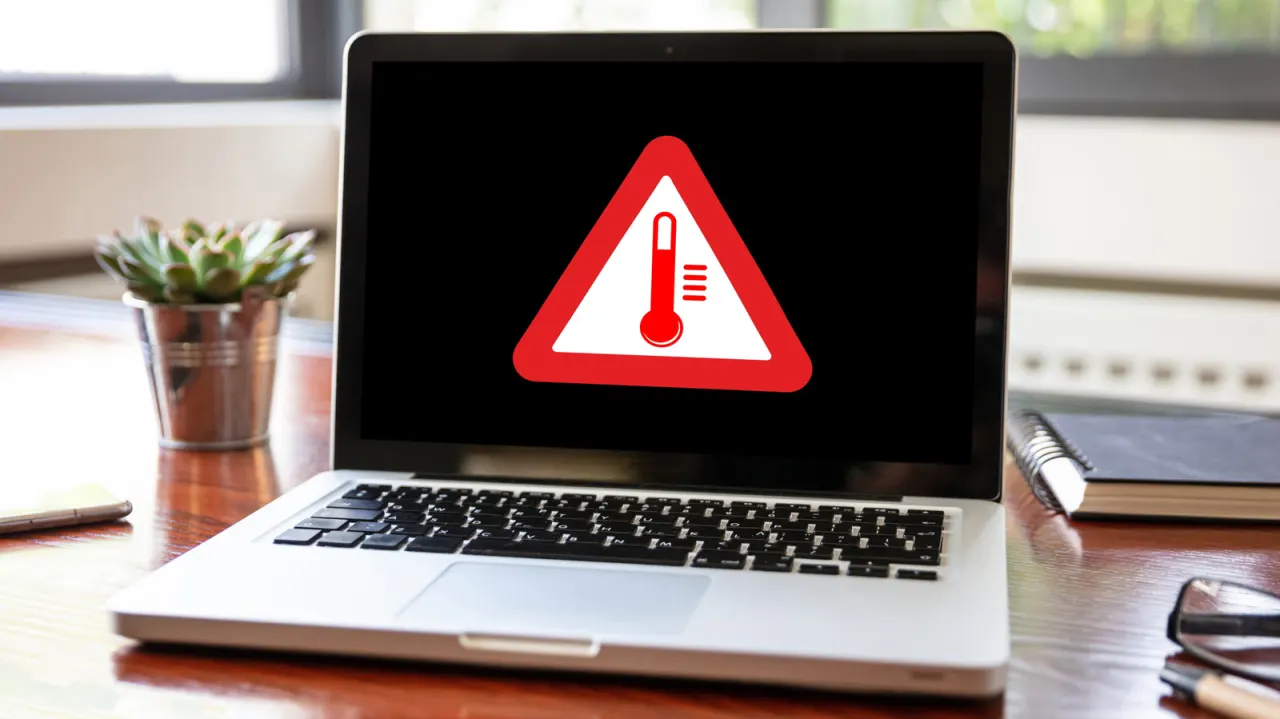
Laptop fans can speed up even when no apps are open because background processes, power settings and the surrounding environment all affect heat. The noise may be normal, but persistent or unexpected fan activity can point to settings or maintenance issues that need attention.
Startup apps, Windows Update and search indexing can keep a computer busy; initial indexing may take a few hours. High-performance modes use more power and can increase heat, while balanced or energy-saving modes may suit lighter work. Warm rooms, blocked ventilation and dust or debris can also make fans run faster.
In short
- Background tasks can keep laptop fans running.
- High-performance settings may create more heat.
- Warm rooms, dust and poor ventilation can contribute.
Explained simply
A laptop can seem idle while still doing work in the background. Tasks such as checking for updates, preparing files for search or opening startup programmes use the processor, which produces heat.
The fan moves warm air out of the laptop to help keep its parts at a safe temperature. Its speed can also be affected by power settings: modes designed for higher performance may use more power and create more heat.
The room and the laptop’s airflow matter too. A warm environment, blocked vents or dust inside the machine can make it harder to cool, so the fan may run more often.