Technology news and discussion on TalkFuse.
macOS setting can reorder virtual desktops, but the change is easy to disable
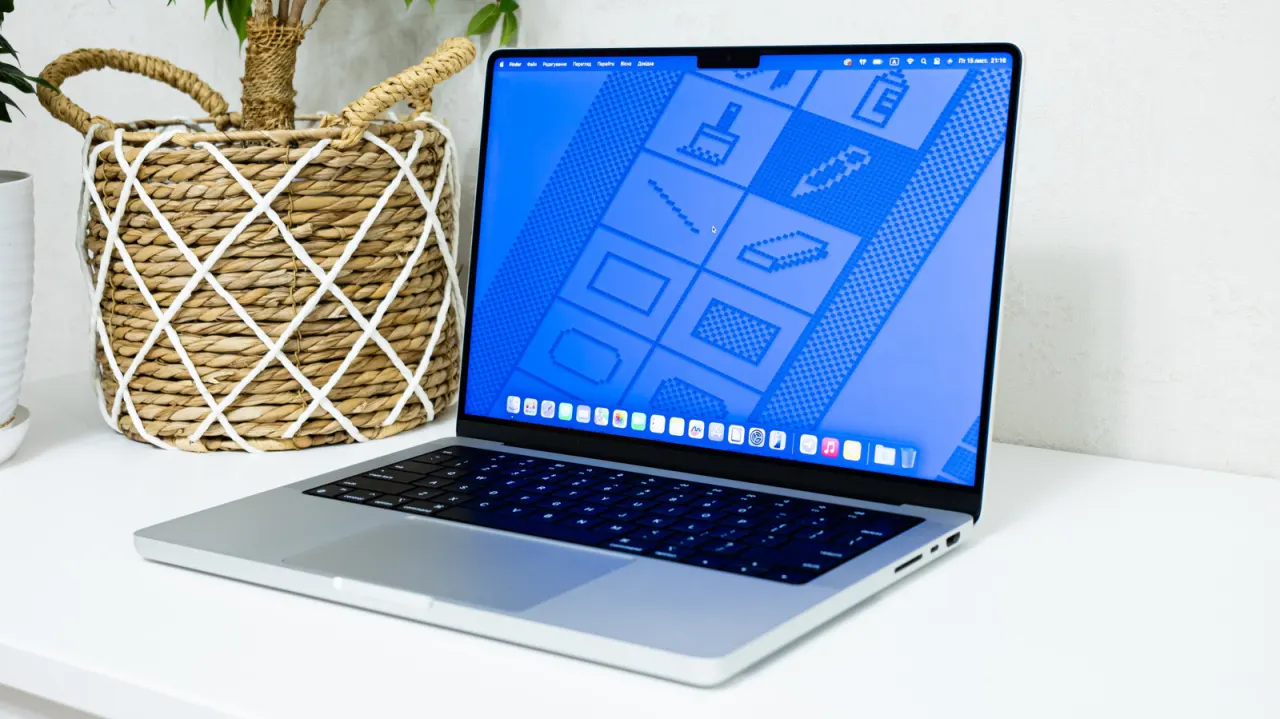
macOS can automatically change the order of desktop Spaces based on which one was used most recently, which may disrupt people who rely on a fixed layout for different tasks. The setting is enabled by default and can be switched off in Mission Control settings.
To stop Spaces moving, open System Settings, go to Desktop & Dock, scroll to Mission Control and turn off “Automatically rearrange Spaces based on most recent use”. macOS supports up to 16 numbered Spaces, which can be navigated with a trackpad swipe, Control and the arrow keys, or Mission Control. Separate wallpapers, extra keyboard shortcuts, Hot Corners and assigning an app to all desktops can also help organise them.
In short
- A default macOS setting reorders Spaces based on recent use.
- Turn it off under System Settings > Desktop & Dock > Mission Control.
- Spaces can also be navigated with gestures, shortcuts or Mission Control.
Read the full article at the source →
Originally published by Engadget as “Why your MacBook desktop Spaces keep rearranging themselves and how to stop it”.