Phones can usually swap SIM cards while switched on, but powering down helps prevent errors
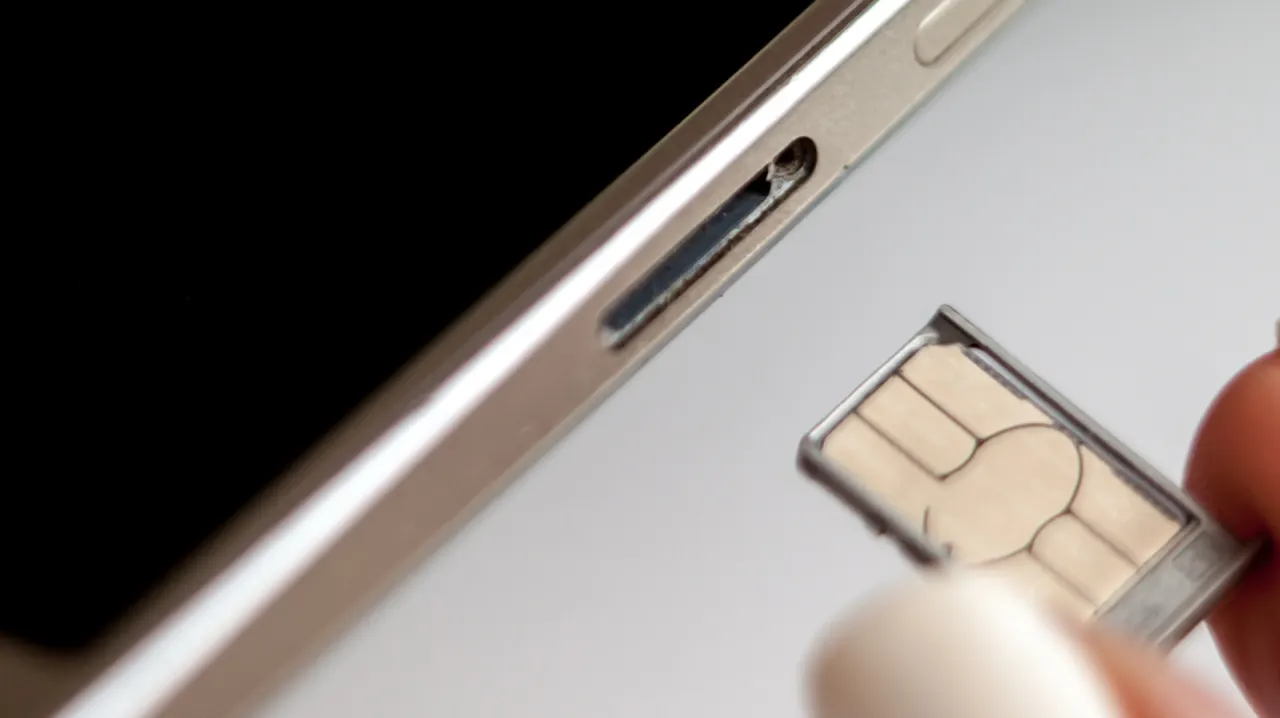
Most modern phones can have their physical SIM cards swapped while switched on, but powering down first can reduce the small risk of a network error. The article says the main hazards are physical damage or debris, and that taking a moment to handle the card and tray carefully is usually enough.
After a swap, a phone normally reads the new SIM and connects to its network, subject to account setup. Switching off can prompt it to reload carrier settings on startup; airplane mode for about 30 seconds before the swap is another option. If the SIM shares a tray with a microSD card, unmount the card first to help protect its data.
- Most phones support hot-swapping physical SIMs.
- Powering down may help avoid network glitches.
- Unmount a shared microSD card before removing it.
Read the full article at the source →
Originally published by Engadget as “You don’t have to turn off your phone to switch SIM cards (but you probably should)”.