PC Manager found more junk files than Windows’ built-in cleanup tools
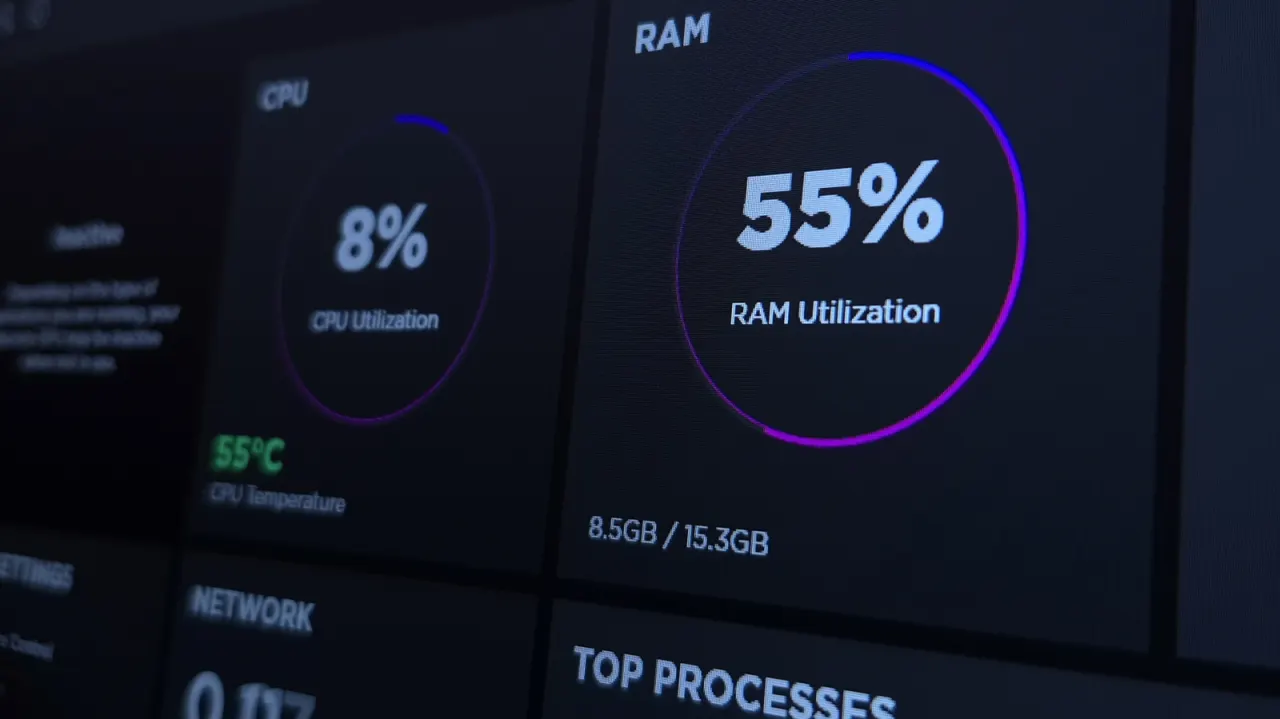
The article argues that cleaning files inside Windows is an overlooked part of keeping a desktop PC healthy and freeing storage. A test of three Microsoft tools found that PC Manager identified far more genuine junk than Disk Cleanup or Storage Sense, while Storage Sense is more useful when set to run regularly instead of only when space is low.
The tools were scanned against the same 1TB drive, which had about 4 per cent free; nothing was deleted. Manual checks found roughly 20GB of junk: Disk Cleanup and Storage Sense detected about 8 per cent, while PC Manager’s scan covered around 90 per cent, though its headline 26GB figure included items it left unticked. Major files included a 9.25GB NVIDIA shader cache, about 5GB of Chrome cache and 2.2GB of crash dumps; the article also mentions Revo Uninstaller Free, but the supplied text ends before explaining it.
In short
- Windows’ built-in cleaners found only a small share of the junk.
- PC Manager’s scan covered about 90 per cent of it.
- Setting Storage Sense to run regularly can help keep files in check.
Explained simply
Windows includes several tools for finding files that may be safe to remove, such as temporary files, cached data and crash reports. Disk Cleanup and Storage Sense are built into Windows, while PC Manager is a separate Microsoft utility.
These tools can identify different amounts of removable data, and their results depend on what they count and select. Storage Sense can also be set to run on a schedule, helping clear files over time. Freeing storage may help when a drive is nearly full, but people should check what a tool proposes to remove before deleting it.
Read the full article at the source →
Originally published by Engadget as “You might be neglecting the one thing that keeps your PC healthy”.