Technology news and discussion on TalkFuse.
AirPods chimes can signal charging faults, connection loss or hearing checks
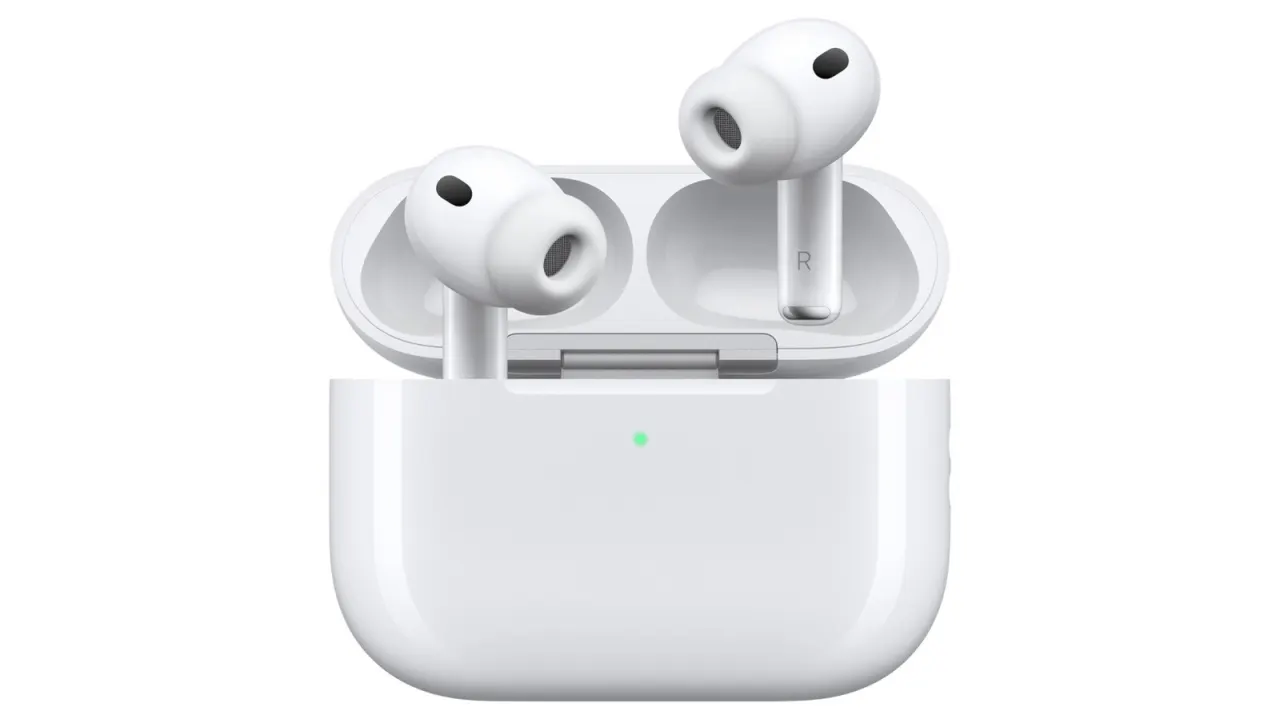
AirPods chirping can signal a low battery, but it may also point to charging problems, a lost Bluetooth connection or other issues. Some sounds are intentional: AirPods Pro 2 and Pro 3 can play a quiet chime in their case to check that their microphones and speakers are working for the Hearing Aid feature.
Louder or persistent noises may come from Find My, water damage, dirt or ear tips that do not seal properly. Charging case sounds can be disabled in the connected device’s AirPods settings; if harsh noises continue, the earbuds may need cleaning, better-fitting tips or inspection at an Apple Store.
In short
- Chirping often means low battery, but there are other causes.
- Pro models may chime to support Hearing Aid checks.
- Charging case sounds can be switched off in settings.
Explained simply
AirPods are Apple’s wireless earphones, which connect to a phone, tablet or computer using Bluetooth. Their earbuds and charging case can play sounds to show their status or draw attention to a problem.
The sounds can have different causes, from a low battery or connection trouble to a feature that checks the microphones and speakers on some models. Find My can also make the earphones play a sound to help locate them.
Dirt, moisture or poorly fitting ear tips may affect how AirPods work. Understanding the possible causes can help users distinguish routine alerts from problems that may need cleaning or inspection.
Read the full article at the source →
Originally published by Engadget as “Your Apple AirPods’ chirping noise doesn’t just mean low battery”.