Band steering can leave devices on slower 2.4GHz Wi-Fi despite faster options
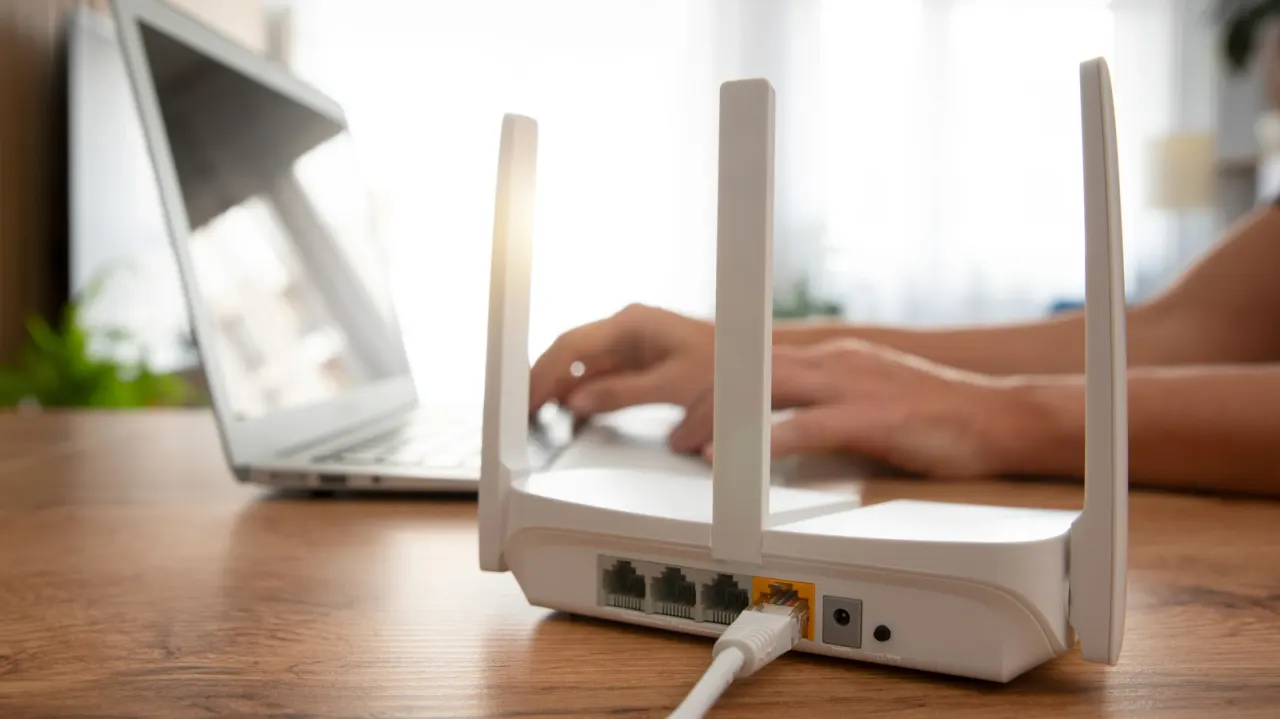
Devices on a fast broadband connection can still experience slow downloads or buffering if they connect to an unsuitable Wi-Fi band. The article says band steering, which lets a router and devices choose between frequency bands under one network name, can leave some devices on slower 2.4GHz Wi-Fi even when 5GHz is available.
The 2.4GHz band travels farther and passes through obstacles more effectively, but is slower and more prone to interference; 5GHz and 6GHz can carry more data but have shorter ranges. To choose a band manually, users can disable band steering in their router’s Wi-Fi settings, connect to the newly separated network names and select the best one for each device. Router settings may be available through an administration page or companion app.
In short
- Band steering can leave devices on a slower Wi-Fi frequency.
- 2.4GHz offers greater range; 5GHz and 6GHz offer more speed.
- Separating network names lets users choose a band for each device.
Explained simply
Wi-Fi routers can use different radio frequency bands to connect devices to the internet. Many combine these bands under one network name and use a feature called band steering to choose which band each device connects to.
The 2.4GHz band reaches farther and passes through walls more easily, but it is slower and can face more interference. The 5GHz and 6GHz bands can carry more data, though their signals generally do not reach as far.
A device’s Wi-Fi band can affect download speeds and video playback even when the broadband connection is fast. Routers vary in how they choose bands, and some let users separate the network names and connect devices to a band manually.
Business Entertainment Markets Music
Read the full article at the source →
Originally published by Engadget as “Your devices could be on the wrong Wi-Fi band, and it’s slowing them down”.