Business news and discussion on TalkFuse.
Your old iPod could be a sleeper flash drive
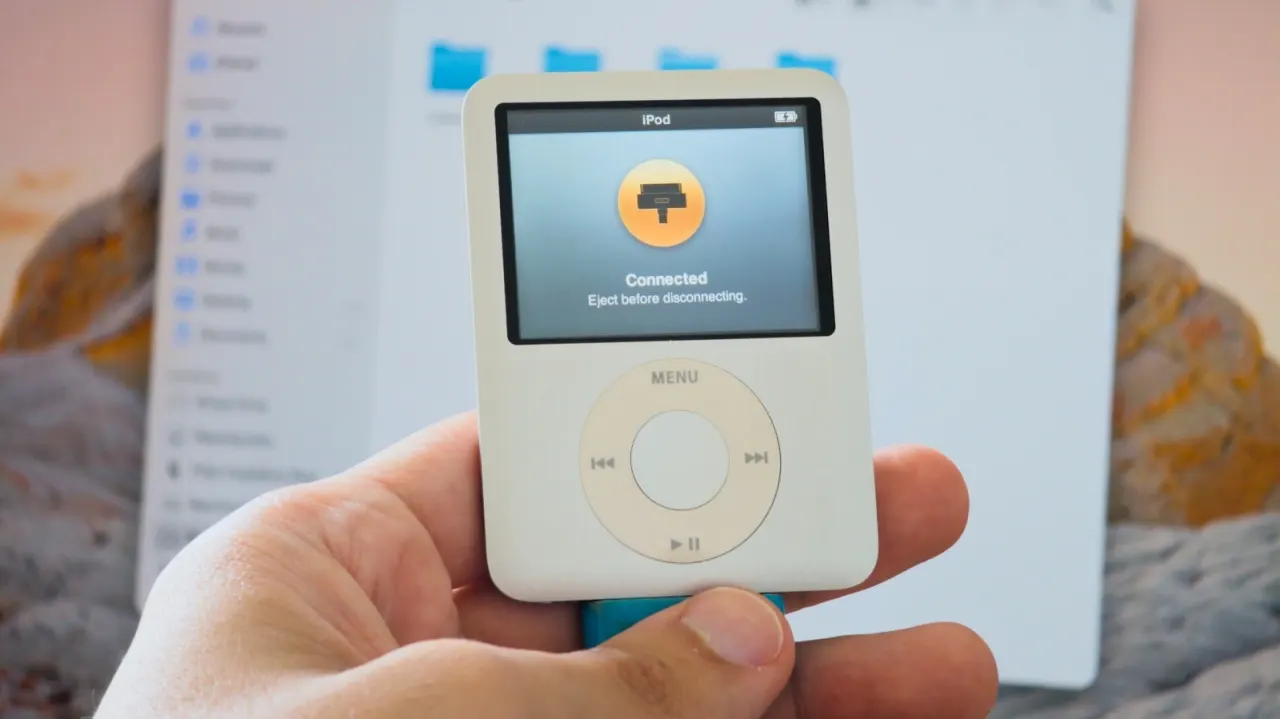
Pre-iOS iPods can be reused as portable storage by enabling Disk Use, letting owners transfer files between computers without buying a separate drive. It offers an old device a second life, though its modest capacity and slow USB 2 connection make it less practical than a modern flash drive.
On a Mac, enable Disk Use in Finder; on Windows, use iTunes or the Apple Devices app. Files share the iPod’s space with its music and system data, and won’t appear on the player itself. For use with both Windows and Mac, restore and set up the iPod on Windows to format it as FAT32, but this erases its contents and limits individual files to 4GB. Disk Use and Disk Mode aren’t available on iPod touch, and a 30-pin cable may be needed.
In short
- Old pre-iOS iPods can store and transfer files.
- Enable Disk Use through Finder or a Windows app.
- FAT32 works across platforms but erases the iPod and limits files to 4GB.
Explained simply
Before smartphones became common, Apple’s iPod was a portable music player that stored songs on internal memory or a small hard drive. Some older models can also be connected to a computer as external storage, so files can be carried between machines.
The setting called Disk Use makes the iPod’s storage available to a computer, alongside the space already used by music and the device’s software. Its usefulness depends on the model and connection: older iPods have limited capacity and transfer files more slowly than modern USB drives.
Business Companies Entertainment Music