Turn off automatic CarPlay connection in iPhone settings
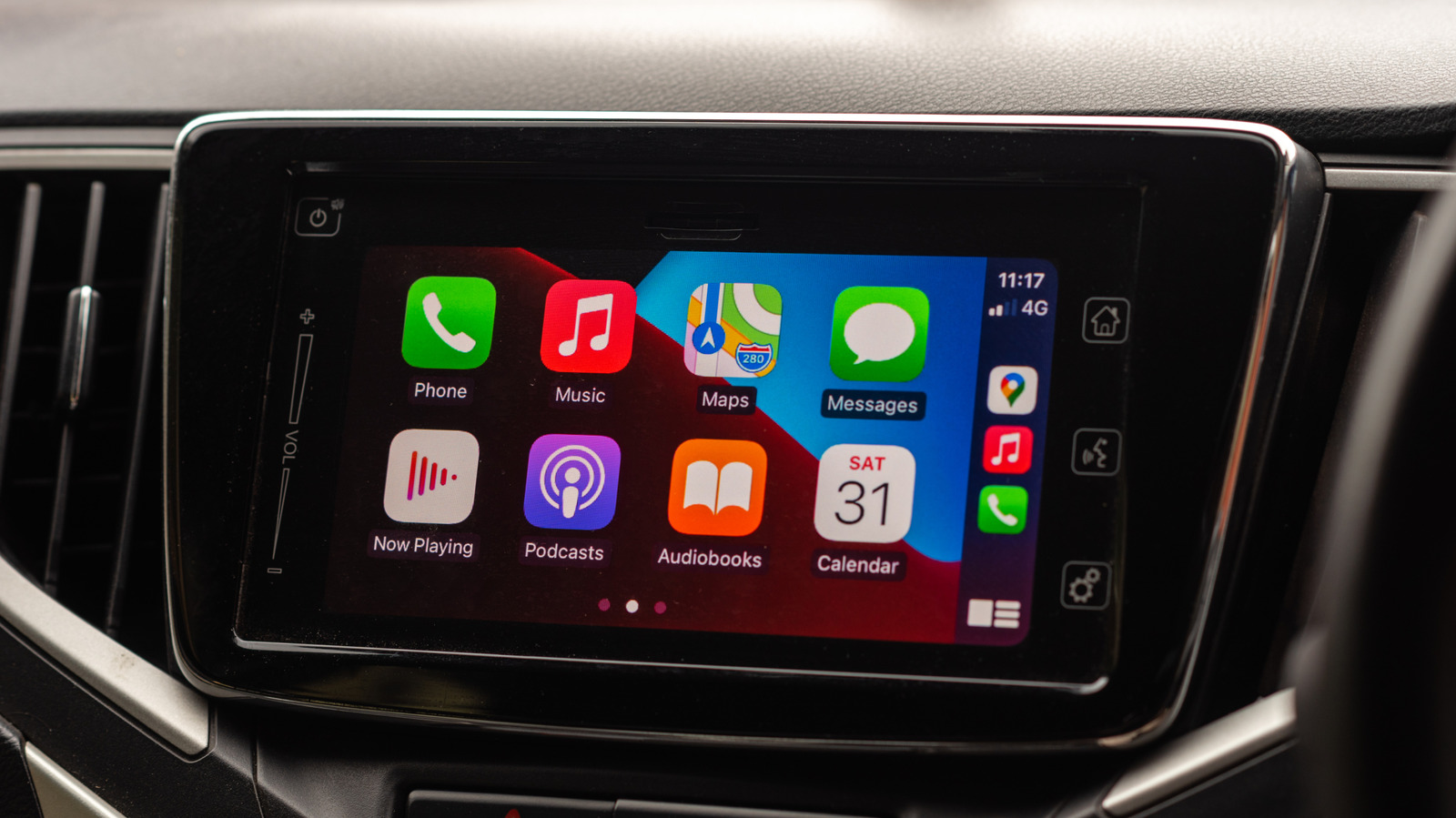
Apple's CarPlay is designed to reconnect automatically to a paired iPhone whenever a driver gets into their car, but users who want a break from it, or wish to save battery, can easily switch this off. The feature is popular because it replaces manufacturers' often clunky infotainment systems with an iOS-based interface, but there are legitimate reasons to disable it occasionally, including reducing distractions, limiting notifications, or conserving battery life on long journeys without a charger.
To turn off CarPlay for a specific vehicle, users can go to Settings, then General, then CarPlay on their iPhone, select their car and toggle the feature off, or repeat the process to re-enable it. Older cars without this option require unpairing via "Forget This Car" instead. For a more permanent, device-wide block, iPhone owners can use Screen Time, navigating to Content & Privacy Restrictions and Allowed Apps & Features to disable CarPlay entirely. Wireless CarPlay also interferes with AirDrop, so switching it off can restore the ability to share photos via that feature.
- CarPlay auto-connects to paired iPhones by default in supported cars
- Toggle off per-car via Settings > General > CarPlay, or use Forget This Car
- Use Screen Time restrictions to disable CarPlay entirely on the device
Read the full article at the source →
Originally published by Engadget as “How to disconnect CarPlay so it will stop auto-connecting to your phone”.