Anti-aliasing smooths jagged edges while balancing image quality and performance
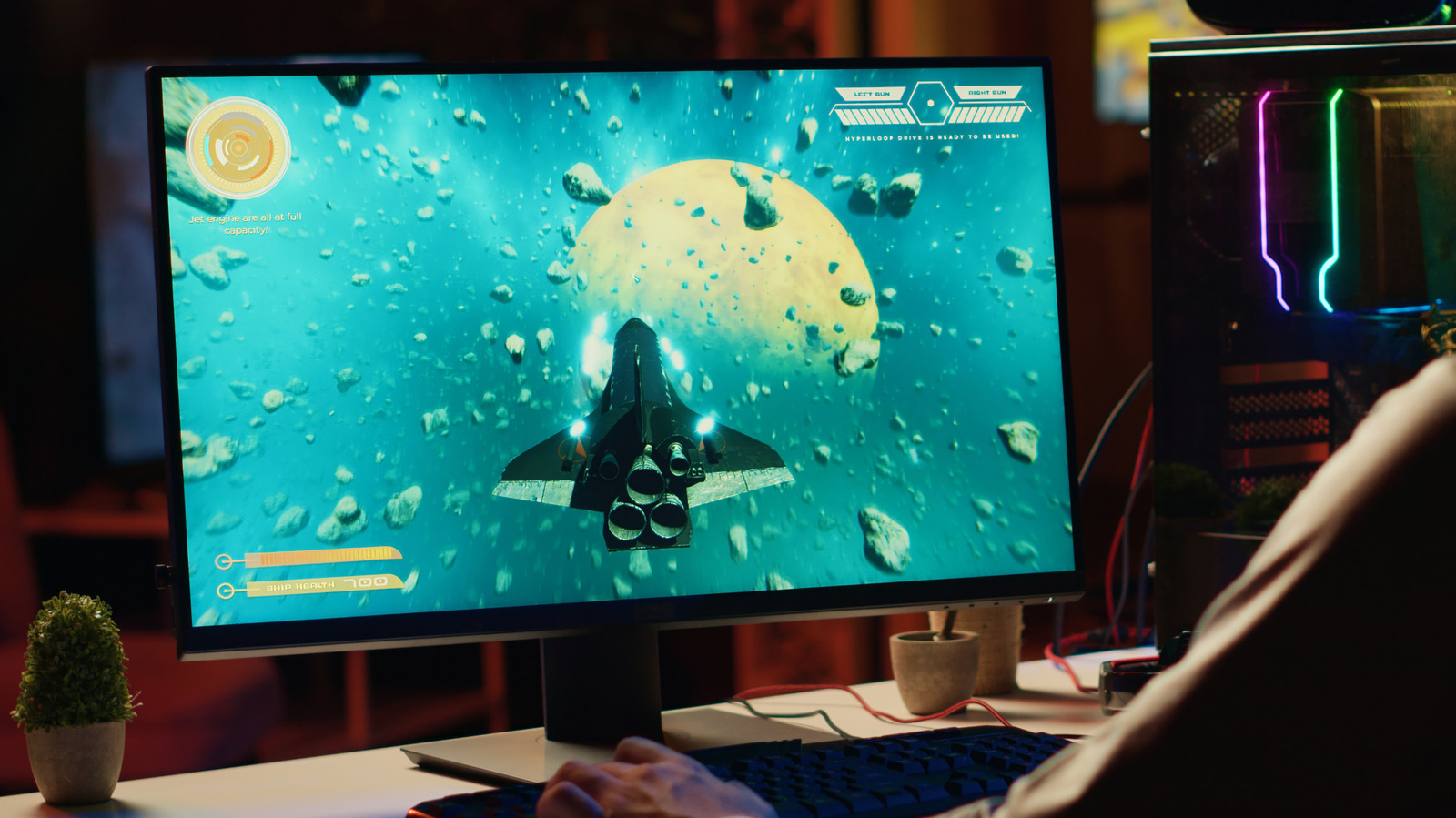
Anti-aliasing smooths jagged edges in PC games, which occur because curved and diagonal shapes must be displayed on a grid of square pixels. Different techniques achieve this in different ways, balancing cleaner visuals against GPU demand, reduced sharpness, shimmering or ghosting. The best setting depends on the game, hardware and whether smooth movement or maximum frame rate matters most.
SSAA renders at a higher resolution and produces excellent results but is extremely demanding, while MSAA samples geometry edges more efficiently but may miss texture and transparency aliasing. FXAA and SMAA process the completed image with relatively low performance costs, though FXAA can soften detail; TAA uses previous frames to reduce movement-related shimmering but can create blur or ghost trails. DLAA, AMD’s Native AA and Intel’s XeSS Native Anti-Aliasing operate at native resolution, prioritising image quality rather than higher performance, and settings should be judged while moving rather than from a still screenshot.
- Anti-aliasing reduces jagged edges in game graphics.
- Better-looking methods often reduce performance or sharpness.
- Test settings while moving to spot shimmer, blur and ghosting.
Read the full article at the source →
Originally published by Engadget as “What does anti-aliasing actually do to your PC games?”.