Enable Android location accuracy for more reliable indoor positioning
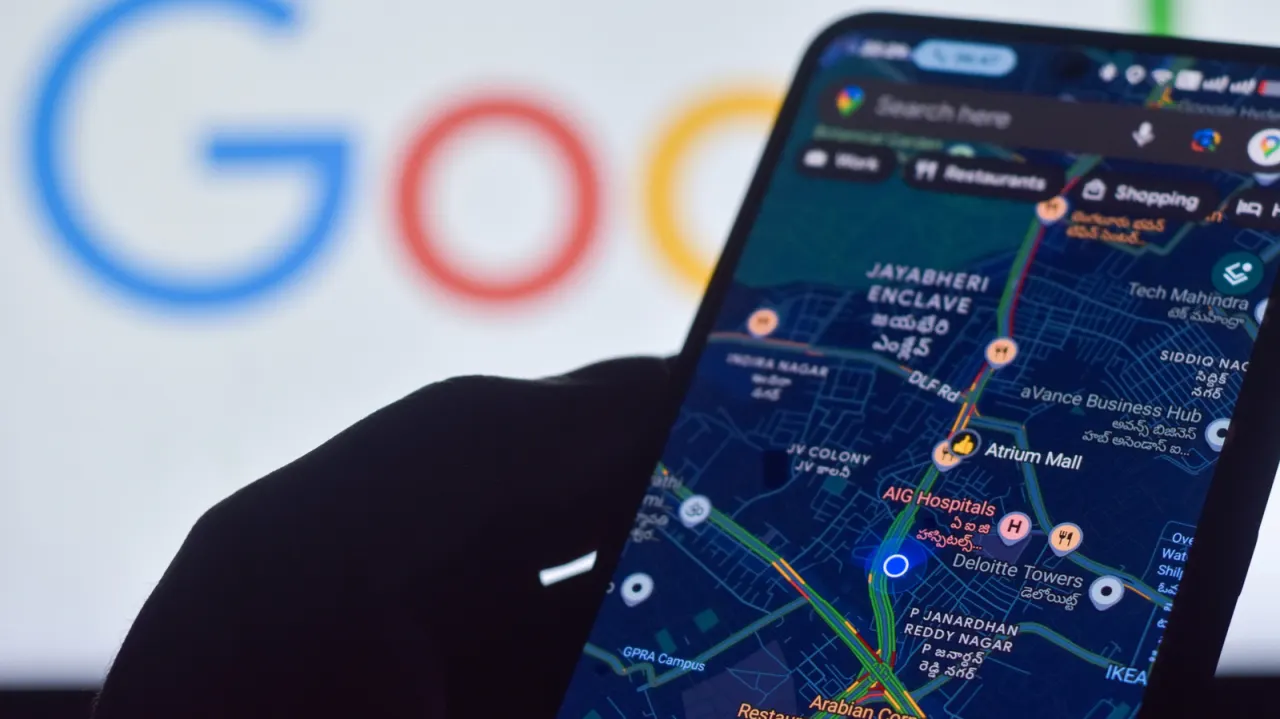
Android phones can use more than GPS to work out where they are, and enabling Location Accuracy can help when maps show an imprecise position. The setting is especially useful indoors or among tall buildings, where satellite signals may be weak or blocked.
On Android 12 and later, find it under Settings > Location > Location Services > Location Accuracy; on Android 11 and earlier, look under Location > Advanced. When enabled, the phone can combine GPS with Wi-Fi, mobile networks and device sensors, using anonymously collected signal data to improve estimates. For Google Maps issues, check that location access is on, the app has permission and the phone has a working data or Wi-Fi connection; Maps can also use camera-based calibration at a known landmark.
- Enable Location Accuracy to combine GPS with other signals.
- It can help indoors and in built-up areas.
- Check Maps permissions and connectivity if location is still unclear.
New here? Start with this
Android phones traditionally use GPS to find your location, but satellite signals often struggle indoors and in cities with tall buildings. To improve positioning in these difficult environments, Android devices can combine GPS with signals from Wi-Fi networks and mobile phone masts, along with data from built-in sensors.
Through Android's Location Accuracy feature, phones can combine signals from multiple sources to pinpoint your location more accurately when GPS alone is unreliable. The system uses anonymously collected information about nearby networks to improve its estimates without compromising your privacy or sharing your exact position publicly.
For many smartphone users, better location accuracy matters most when using maps indoors—in shopping centres, offices, airports or underground stations where satellite signals cannot reach. Improving positioning in these scenarios helps ensure that mapping applications can reliably guide you to where you need to go.
Both sides, in good faith
The strongest fair case each way — we don't pick a winner.
The case for
Enabling Location Accuracy significantly improves indoor positioning reliability in scenarios where it genuinely matters—hospitals, airports, large buildings—and the data is anonymised to protect privacy. Modern smartphones already use multiple positioning methods, and the added benefit of combining these sources with minimal privacy cost makes this a worthwhile tradeoff for most users seeking more reliable navigation and emergency response capabilities.
The case against
Even anonymised location data collection warrants scrutiny, as it represents another layer of data gathering that users may not fully understand or desire. The cumulative effect of various tracking mechanisms matters; users have a legitimate right to prioritise privacy over marginal convenience improvements, and companies should be transparent about exactly what data is collected and how it is used before asking users to enable such features.
Read the full article at the source →
Originally published by Engadget as “How to improve your Android phone’s location accuracy”.