What is NVIDIA DLSS and how does it work?
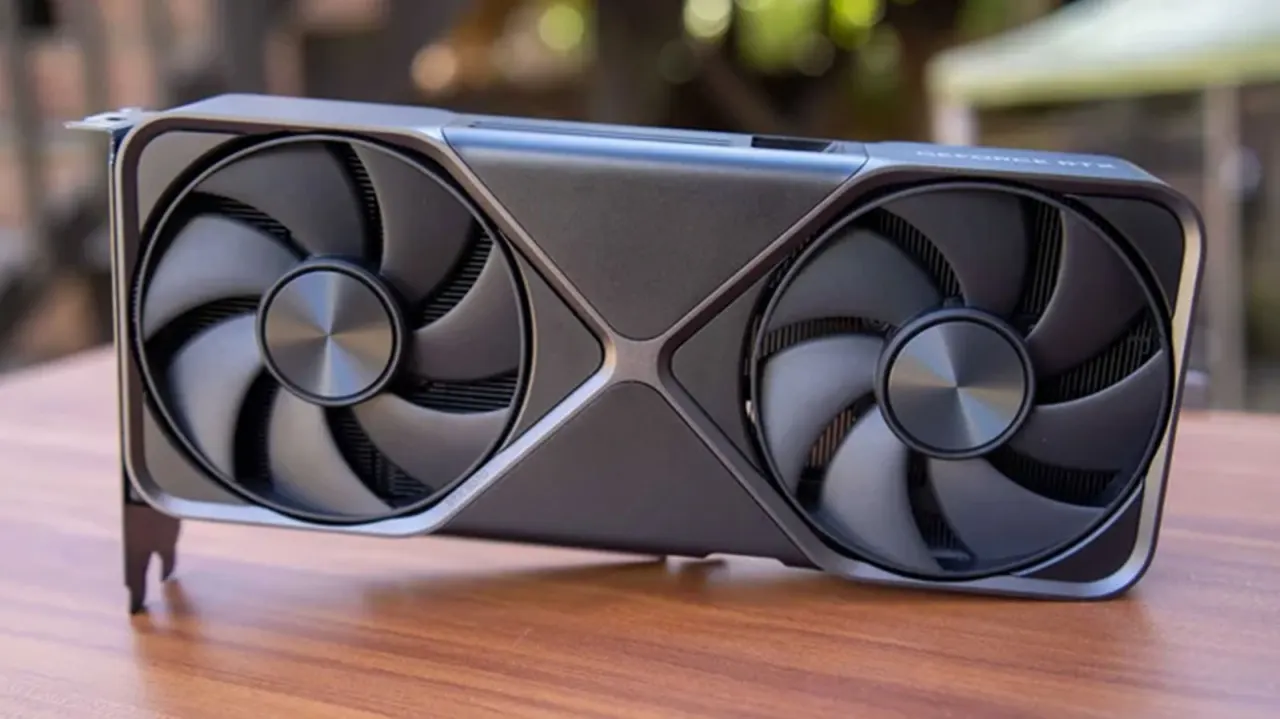
NVIDIA’s Deep Learning Super Sampling (DLSS) boosts gaming performance by rendering frames at a lower resolution, then using machine learning to upscale them to the display’s resolution. When implemented well, this can help a game run at higher graphics settings or deliver a higher frame rate, though upscaling can reduce image detail.
DLSS offers Quality, Balanced, Performance and Ultra Performance modes, each starting from a progressively lower internal resolution. Quality renders at about 66.7% of the target resolution, while Ultra Performance uses 33.3% and is intended for 8K displays. The article suggests starting with Quality at 1440p and Balanced at 4K, then lowering the setting if more frames are needed, while noting that aggressive upscaling can look blurry.
- DLSS trades some image detail for improved gaming performance.
- Quality is a sensible starting mode at 1440p.
- Ultra Performance is intended for 8K displays.
New here? Start with this
NVIDIA is a technology company that makes graphics processors used in gaming PCs. A game’s graphics processor draws each frame, and the work involved can affect how smoothly the game runs and how detailed it looks.
Deep Learning Super Sampling, or DLSS, is NVIDIA’s system for drawing frames at a lower resolution and then using machine learning to enlarge them to fit the screen. It aims to reduce the graphics workload, which can help a game run faster or support more demanding visual settings.
DLSS has modes that trade image detail for performance: modes that start from a lower resolution ask the system to enlarge the image more. The effect depends on the game and settings, so players may notice softer or less detailed images as well as smoother performance.