Check your PS5’s HDMI connection to unlock supported screen features
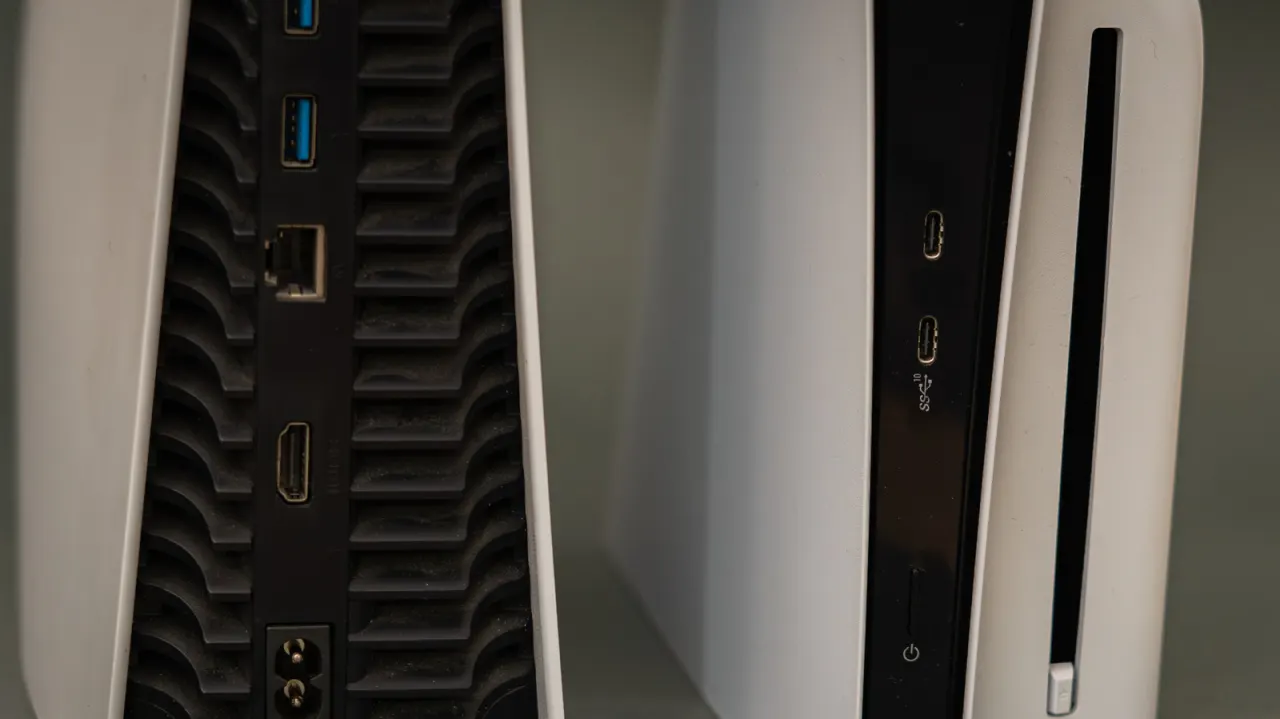
A PS5 can show a good picture while using an HDMI port that limits its features, so checking the connection can help players get the performance their screen supports. The right setup matters for 4K gaming at 120Hz, as well as features such as Variable Refresh Rate and reduced input lag.
The PS5 supports 4K at 120Hz over HDMI 2.1, but the screen, port, cable and settings must all support and enable it. Port numbers are not version numbers, and HDMI 2.1 ports are often, though not always, the third or fourth input. Sony recommends the supplied cable or another Ultra High Speed HDMI cable, connected directly to the screen; players can also check the console’s Video Output settings. Few PS5 games run at 4K and 120 frames per second, and some high-refresh-rate modes use lower resolutions.
In short
- Check your TV’s exact specifications to find its HDMI 2.1 port.
- Use a compatible Ultra High Speed cable connected directly to the screen.
- Enable 120Hz output in the PS5 and screen settings.
Explained simply
The PlayStation 5 sends pictures and sound to a television or monitor through an HDMI cable. Screens can have several HDMI sockets, and they may not all support the same features, even when the picture appears normal.
For 4K gaming at up to 120 frames per second, the console, screen, chosen socket, cable and settings must all support the required connection. Features such as Variable Refresh Rate, which can make motion look smoother, also depend on compatible equipment and settings.
The socket number does not tell you its HDMI version, and the features available vary between screens. Checking the screen’s instructions and the PS5’s video output settings can help show which capabilities the connection supports; only some games offer 120-frame-per-second modes, and those may use a lower resolution.
Read the full article at the source →
Originally published by Engadget as “There’s a chance your PlayStation 5 is plugged into the wrong HDMI port”.