CarPlay bell signals that Siri will announce incoming messages automatically
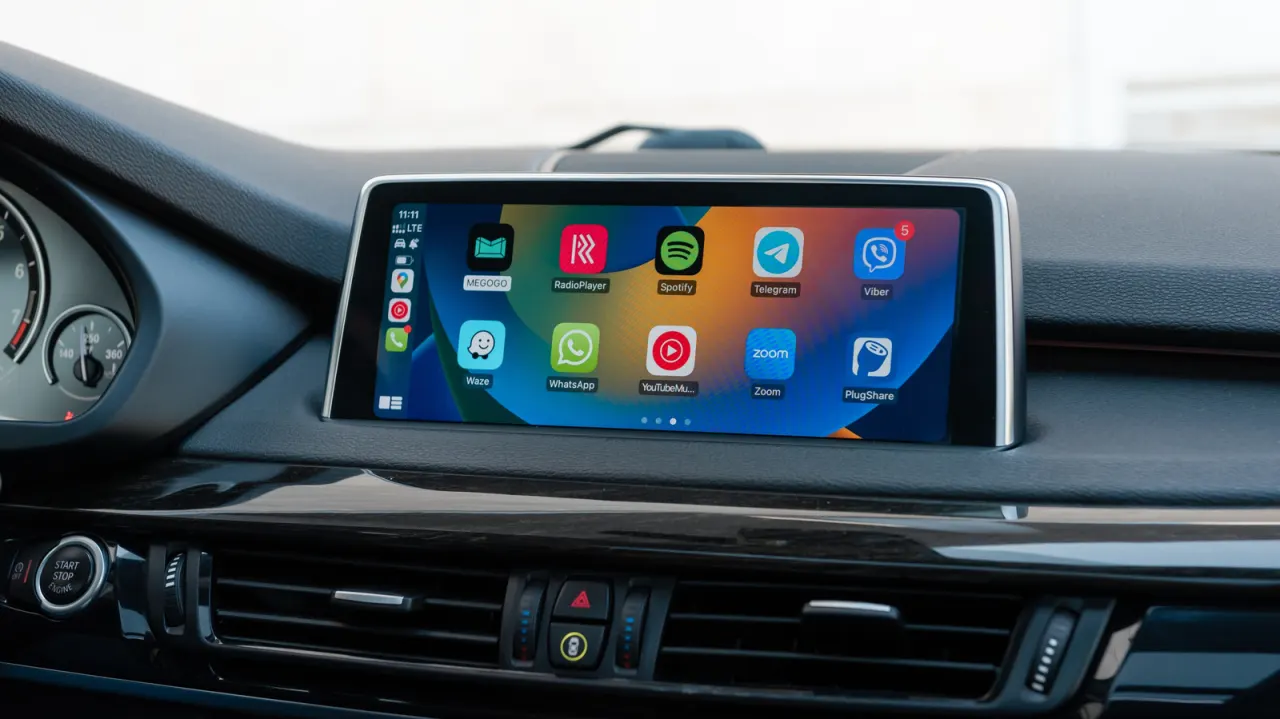
The bell icon in Apple CarPlay indicates that Siri is set to announce incoming messages automatically. The feature can help drivers keep up with conversations without handling their phones, but frequent alerts may interrupt audio or expose private messages to passengers.
Drivers can change the setting on their iPhone under Settings > Notifications > Announce Notifications > CarPlay, choosing whether CarPlay announces or silences messages. They can also select which apps are allowed to announce notifications and use Driving Focus to limit alerts to chosen contacts; CarPlay can activate that mode automatically.
In short
- The bell means Siri announces incoming messages.
- CarPlay can be set to announce or silence them.
- Driving Focus can limit alerts while on the road.
Steelman: both sides, in good faith
The strongest fair case each way — we don't pick a winner.
The case for
Automatically announcing messages can help drivers stay informed while keeping their hands on the wheel and eyes on the road. Letting drivers choose which apps and contacts can send announcements, or silence them altogether, offers a practical way to balance convenience with attention.
The case against
Spoken alerts can interrupt navigation or audio and may distract drivers, especially when messages arrive frequently. They can also reveal private content to passengers, so drivers may prefer to silence announcements or restrict them to selected contacts and apps.
Explained simply
Apple CarPlay lets drivers connect an iPhone to a car’s display and controls, so they can use selected phone features while driving. Siri is Apple’s voice assistant, which can read incoming messages aloud when notification announcements are enabled.
The bell symbol is used to show the announcement setting, and drivers can choose which apps may send spoken alerts. These controls matter because hearing messages can help drivers stay informed without handling a phone, while alerts may distract them or be overheard by passengers.
Read the full article at the source →
Originally published by Engadget as “What does the bell icon mean on your CarPlay screen?”.