Entertainment news and discussion on TalkFuse.
12Members
8Posts
1Active now
50,682Stories
When to factory reset a Vizio TV and what it erases
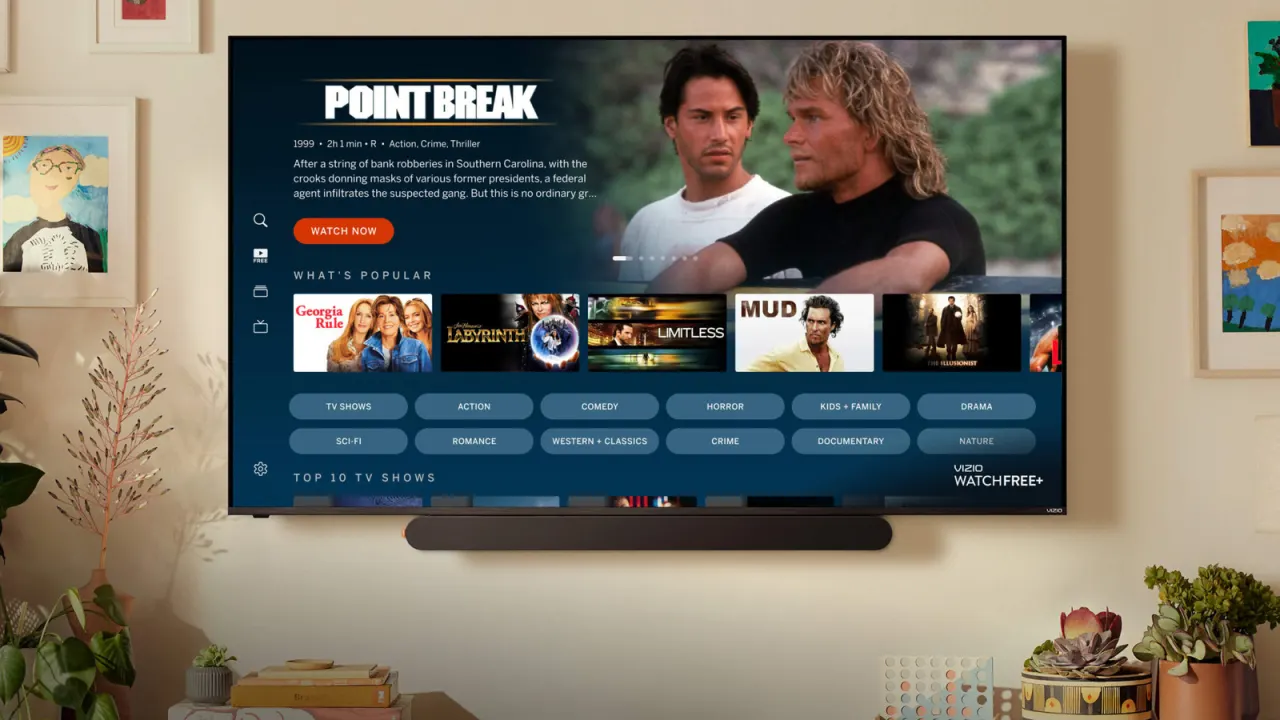
A factory reset can give a Vizio TV a fresh start when persistent problems remain, but it should be a last resort. It restores the TV to its original setup and may not fix faults caused by hardware or individual apps.
Before resetting, make sure you have your account logins and passwords. The process erases picture and sound settings, channel line-ups, parental controls and logins; apps, updates and smart home integrations will need setting up again. Try diagnosing the problem first, or switch the TV off and unplug it for at least 30 seconds.
In short
- A factory reset wipes Vizio TV settings and personal setup.
- You may need to reinstall apps and reconfigure integrations.
- Rebooting or power-cycling is a better first step.
Read the full article at the source →
Originally published by Engadget as “How to reset your Vizio TV back to factory settings”.