Technology news and discussion on TalkFuse.
At what length do DisplayPort cables start giving you trouble?
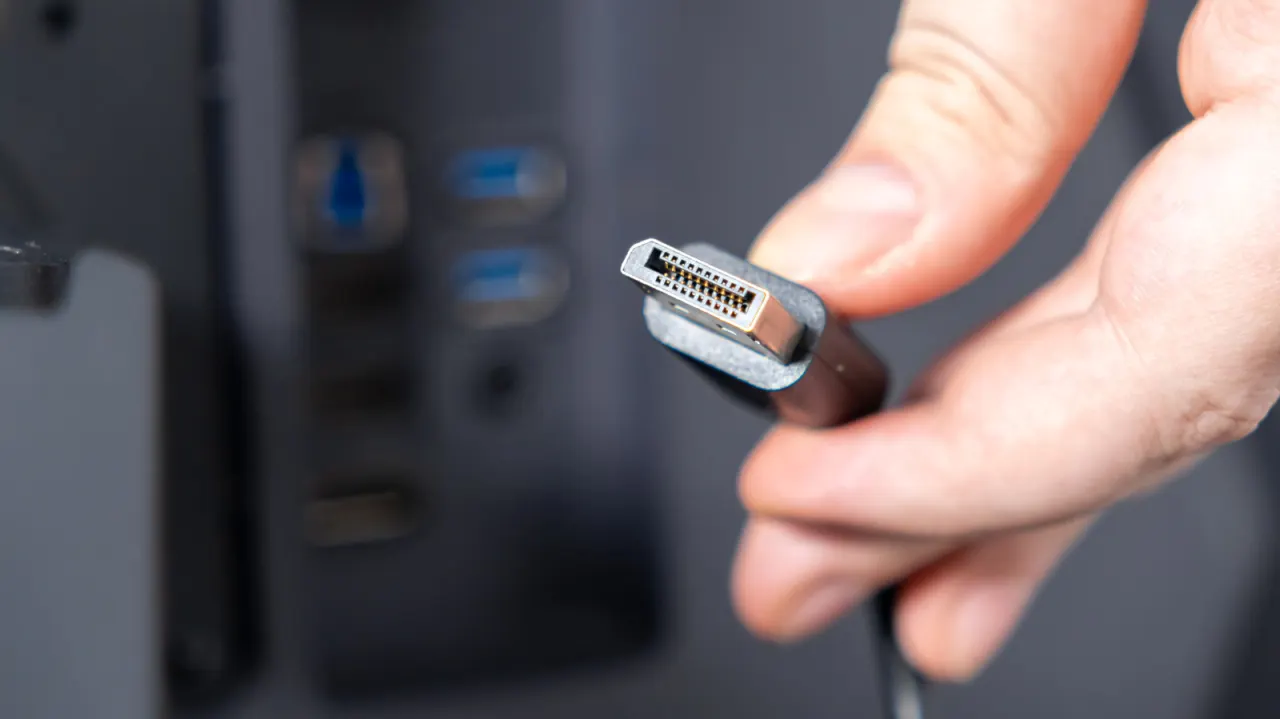
Copper DisplayPort cables can become unreliable as they get longer, potentially limiting resolution or refresh rates and causing flickering or signal dropouts. For most desk setups, the practical advice is to use a passive copper cable no longer than six feet to preserve full display quality.
The article says compromises may begin around 10 feet, with stable 4K performance gone by about 15 feet. Active copper cables can extend the range to roughly 15 to 30 feet, while fibre optic cables can reach up to 100 feet, but cost more: a 15-foot fibre cable can exceed $50, compared with about $10 for a 10-foot passive copper cable. Short cables are especially advisable when daisy-chaining monitors.
In short
- Passive copper DisplayPort cables are best kept to six feet or less.
- Around 10 feet, resolution or refresh-rate compromises may begin.
- Active copper and fibre extend range but cost more.
Steelman: both sides, in good faith
The strongest fair case each way — we don't pick a winner.
The case for
Keeping passive copper DisplayPort cables short is a sensible way to reduce the risk of flickering, dropouts or limits on resolution and refresh rate, especially in demanding 4K setups or when daisy-chaining monitors. For a typical desk, a cable of six feet or less is inexpensive and avoids paying for specialised equipment that may not be needed.
The case against
A six-foot limit can be unnecessarily restrictive when a desk layout or installation needs more reach. Active copper and fibre optic cables can carry a signal over longer distances, so buyers can choose a suitable cable for their setup; their higher cost may be worthwhile for a 15-foot run or a connection reaching much farther.
Explained simply
DisplayPort is a connection standard used to carry video from a computer to a monitor. The cable links the two devices, and its construction affects how reliably it can carry the signal over distance.
Longer cables can make it harder to maintain high resolutions and fast refresh rates, which describe how much detail a screen shows and how often its image updates. Passive copper cables are common and inexpensive; active copper cables and fibre optic cables can carry signals farther, but generally cost more.
The issue matters for desk setups with distant screens or several monitors connected in sequence, known as daisy-chaining. Cable choice can affect whether a display works steadily at its intended picture quality.