Technology news and discussion on TalkFuse.
12Members
8Posts
1Active now
14,741Stories
Samsung One UI removed the all apps button, but you can easily get it back
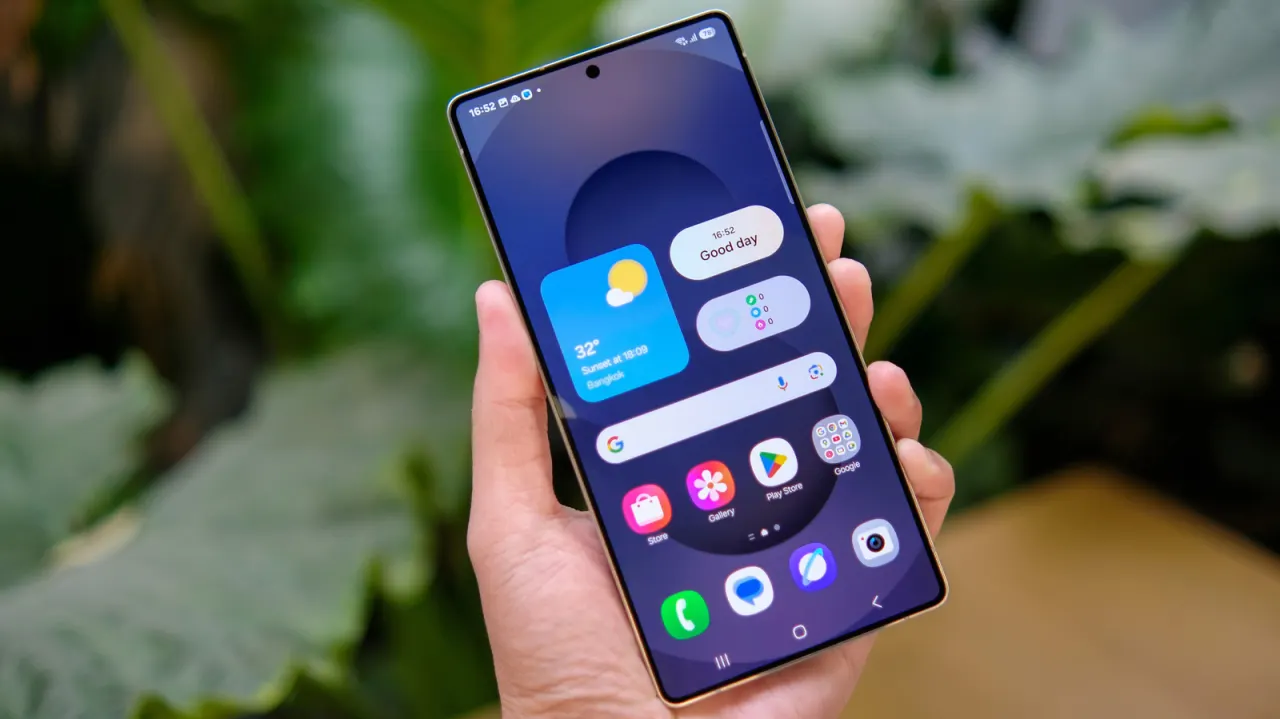
Samsung has removed the “all apps” button from the home screen by default in recent versions of One UI, with users expected to swipe up to open the app drawer. The change may inconvenience people who are unfamiliar with the gesture or prefer the older button, but Samsung still lets them restore it.
On a Galaxy phone running One UI 9, long-press or pinch the home screen, tap the gear-shaped Settings button, then enable “Show Apps screen button on Home screen”. The button appears on the right of the favourites dock and takes up space that could otherwise hold another favourite app. Samsung also continues to let users choose between its traditional three-button navigation and gesture navigation.
In short
- Samsung still offers the home screen app button as an option.
- Enable it through the home screen settings menu.
- It uses space in the favourites dock.