Technology news and discussion on TalkFuse.
12Members
8Posts
1Active now
14,936Stories
Windows 11 is finally adding an easier way to disable the Sticky Keys pop-up
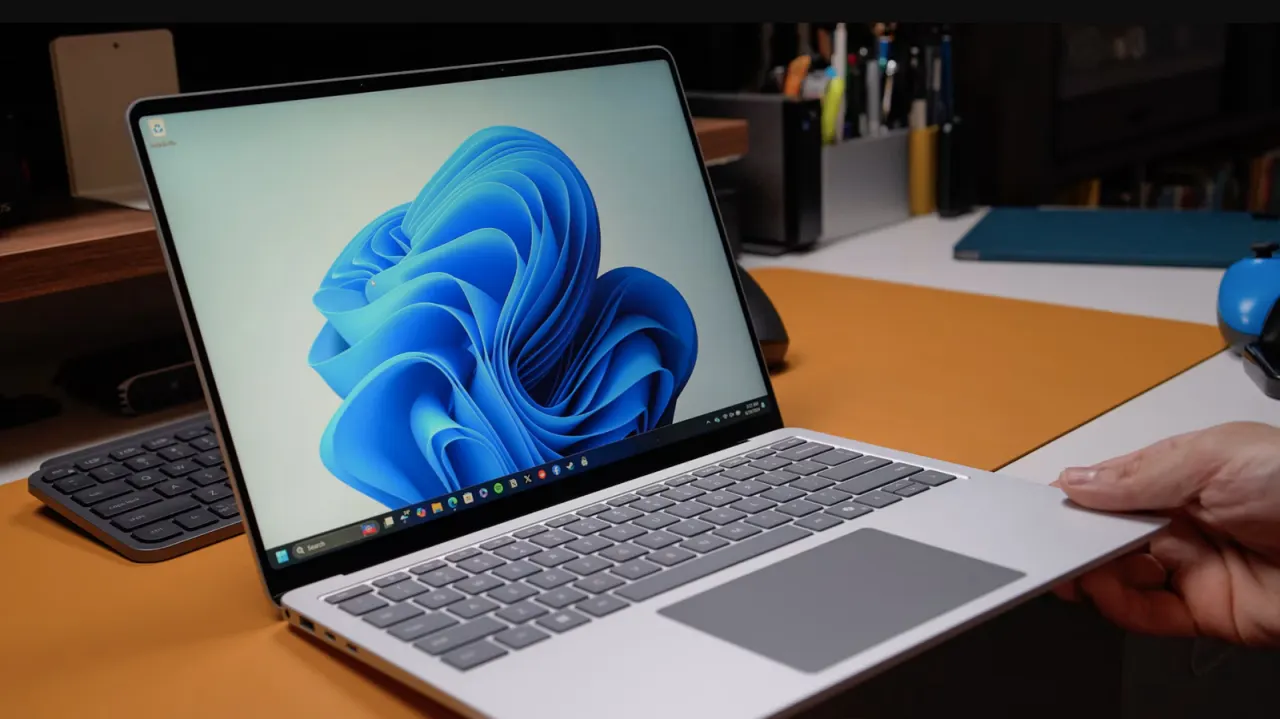
Microsoft is testing a simpler way for Windows 11 users to stop the Sticky Keys prompt from appearing after they press Shift five times. The change matters to people who do not use the accessibility feature, including PC gamers who may trigger the prompt while playing.
The pop-up now includes a checkbox to prevent Sticky Keys being enabled through that shortcut. The option is currently limited to Windows Insider testers, though the article says it may reach all Windows 11 users later. Until then, users can switch off Sticky Keys and its keyboard shortcut under Settings, Accessibility and Keyboard; the feature dates back to Windows 95.
In short
- Windows 11’s Sticky Keys prompt gains a disable checkbox.
- The option is currently in an experimental Insider release.
- Users can turn it off in Accessibility settings meanwhile.